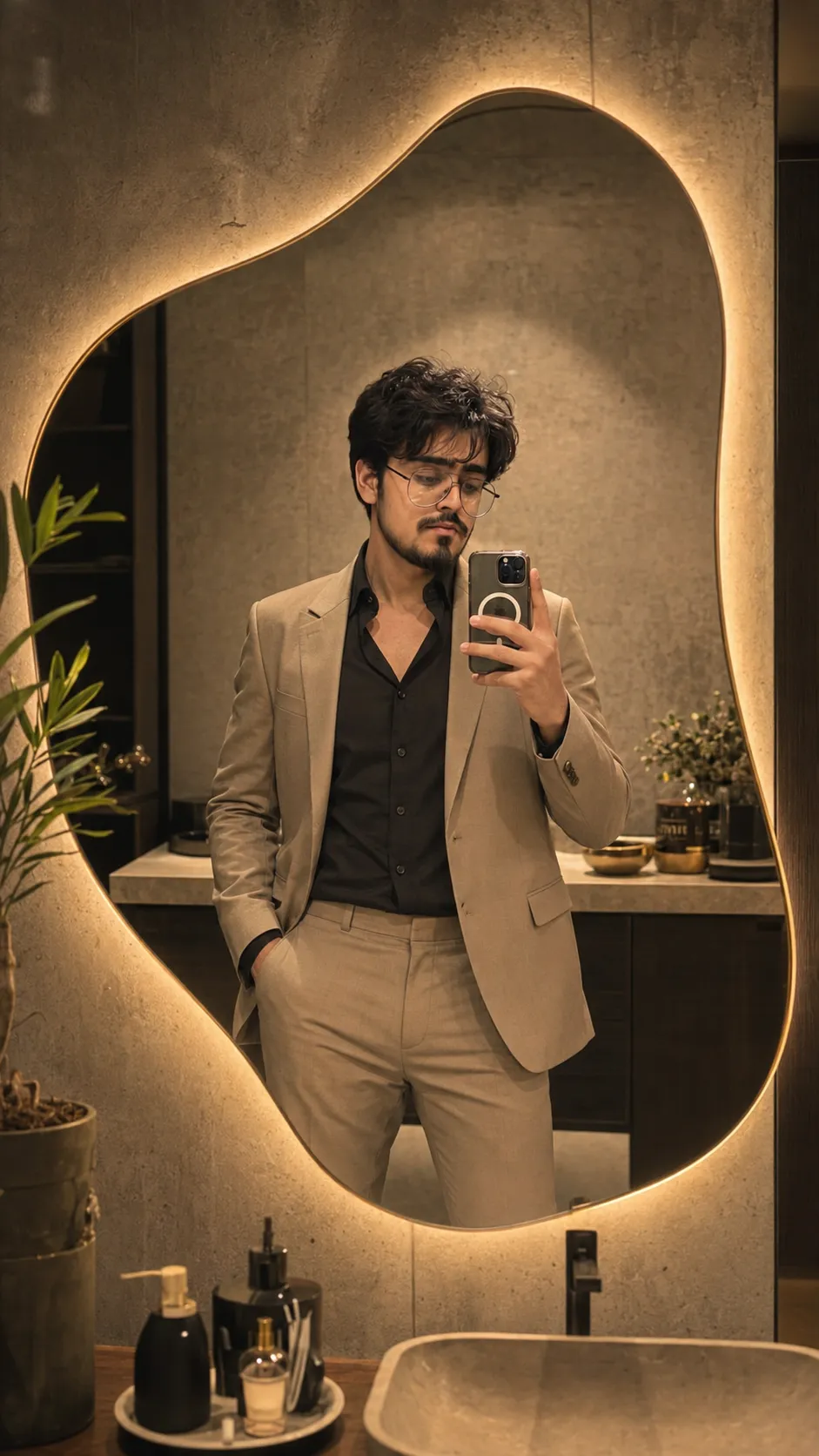
 Selfie431 copies
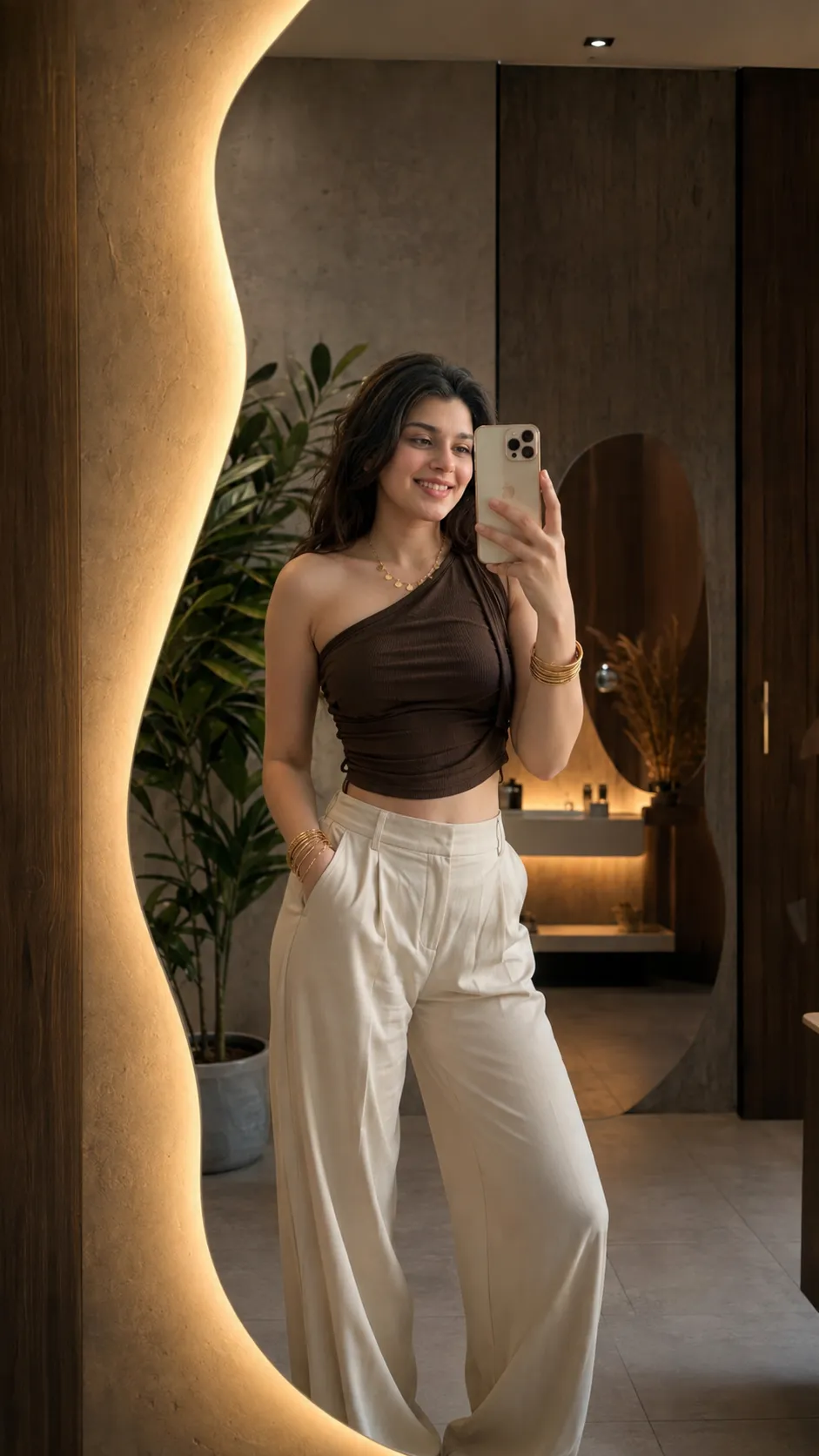 57 copies
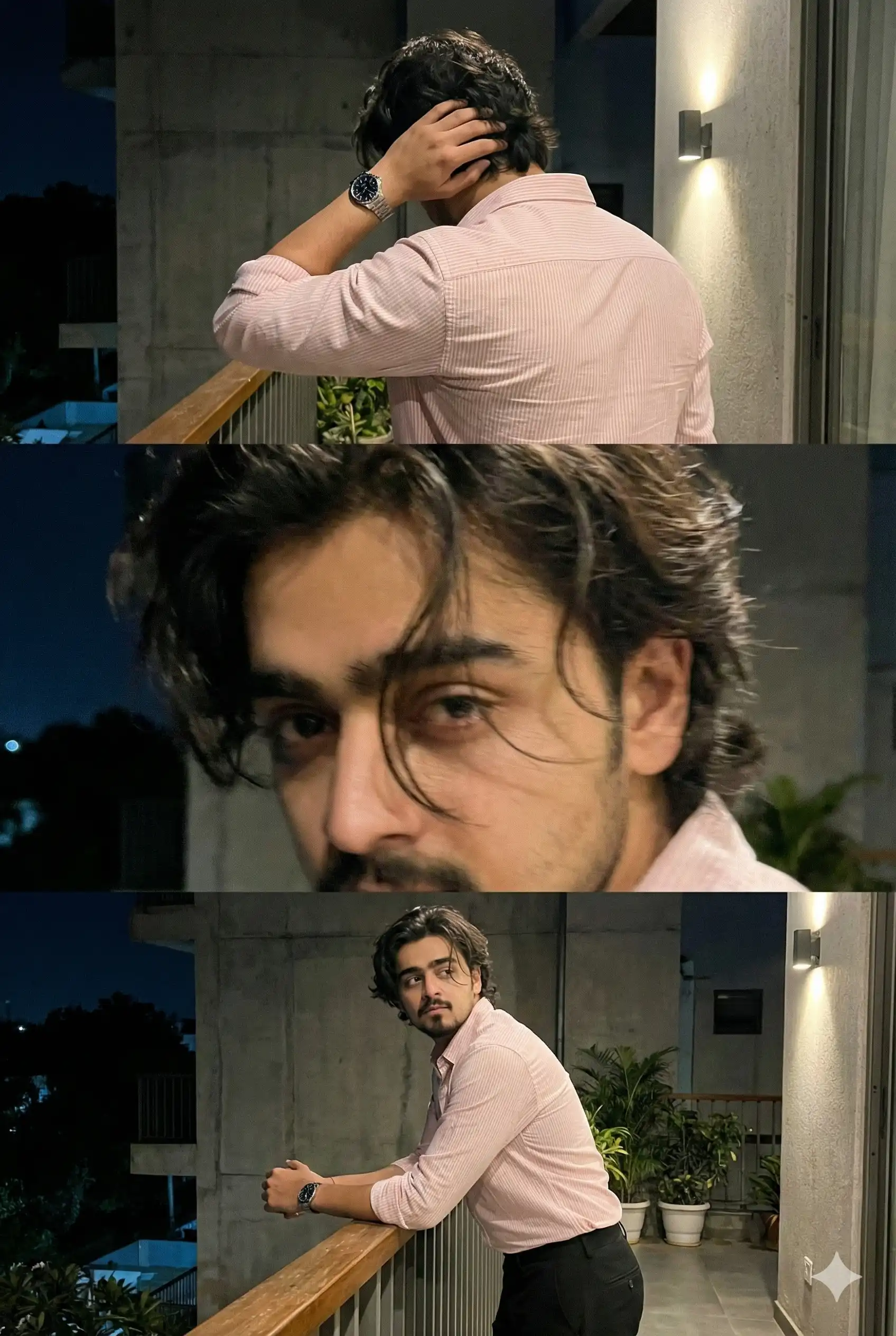
Selfie · Free image prompt
Mirror Selfie Prompt
Make this look your own. Copy the full prompt and follow the guide below.
The prompt
Read the guideCreate an ultra-photorealistic mirror selfie featuring a stylish young woman inside an upscale, contemporary dressing room. The scene should include a large, uniquely irregular organic-form mirror surrounded by integrated warm LED illumination, producing a subtle golden halo around its edges.
Maintain a refined, modern minimalist interior aesthetic with textured concrete walls, dark wooden detailing, an elegant decorative indoor plant, sophisticated premium bathroom-style décor, and warm ambient illumination throughout the space.
Render authentic skin texture and highly natural mirror reflections, with a shallow depth of field and cinematic color treatment. The overall result should resemble a luxury fashion campaign: soft highlights, sophisticated composition, photorealistic rendering, HDR quality, 85mm lens appearance, f/1.8 depth of field, extremely fine details, Instagram fashion-influencer aesthetic, upscale interior design, 4K resolution, masterpiece quality, and high-end editorial photography.
Use a vertical 9:16 aspect ratio. Treat the uploaded reference image strictly as the facial identity source: reproduce the person's face with 100% consistency, preserving the exact facial identity and recognizable facial characteristics. If the reference subject is male, generate appropriate masculine clothing; if female, generate suitable feminine fashion styling. The outfit should be selected to complement the subject and luxury setting.
Create an entirely new pose, body positioning, expression, framing, styling, and overall scene arrangement rather than reproducing the exact pose or composition from the uploaded reference. Do not copy the reference image's pose, clothing, background, composition, or other visual elements. The only element that must remain precisely consistent with the uploaded reference is the person's facial identity. Recreate the subject as a newly composed fashion photograph while maintaining the face as an exact identity match to the reference.
--ar 9:16
No sign-up needed. You can also select and copy the text manually.
More inspiration for you
View all →
SponsoredAd
The creator's guide
How to use Mirror Selfie Prompt
Use “Mirror Selfie Prompt” as a starting point for your Selfie creation. The guide below highlights instructions from this specific prompt and shows what to change when adapting it to your own idea.
01
Get ready
Start with a clear reference photo. Upload it to an AI tool that accepts images before pasting the prompt. Choose a well-lit image with the subject unobstructed.
02
Copy & create
Copy the complete prompt above, paste it into your AI tool, and generate a first version. Keep the original instructions for your first attempt.
03
Refine one detail
Check the eyes, hands, skin texture, and likeness first. If the face changes too much, ask to preserve the reference identity and remove conflicting appearance instructions.
Inside this prompt
Lighting
The scene should include a large, uniquely irregular organic-form mirror surrounded by integrated warm LED illumination, producing a subtle golden halo around its edges
Composition
The overall result should resemble a luxury fashion campaign: soft highlights, sophisticated composition, photorealistic rendering, HDR quality, 85mm lens appearance, f/1
Style
Create an ultra-photorealistic mirror selfie featuring a stylish young woman inside an upscale, contemporary dressing room
Three variations to try
Try one follow-up at a time after generating your first result.
Change the mood
Keep the subject and composition. Replace the lighting with soft natural window light and a calm, muted palette.
Make it your own
Keep the visual style. Replace the setting with a location of your choice and remove any details that conflict with the new scene.
Adapt the framing
Keep the face and identity consistent. Leave extra space around the head and shoulders for a square profile-picture crop.
If your result looks different
The preview is a visual reference, not a guaranteed output. Results vary by model, settings, and reference image. Keep the instructions that matter most, remove contradictions, and change one detail between attempts.