 Portrait762 copies
 11,612 copies
Portrait · Free image prompt
Underwater Wallpaper Prompt
Make this look your own. Copy the full prompt and follow the guide below.
The prompt
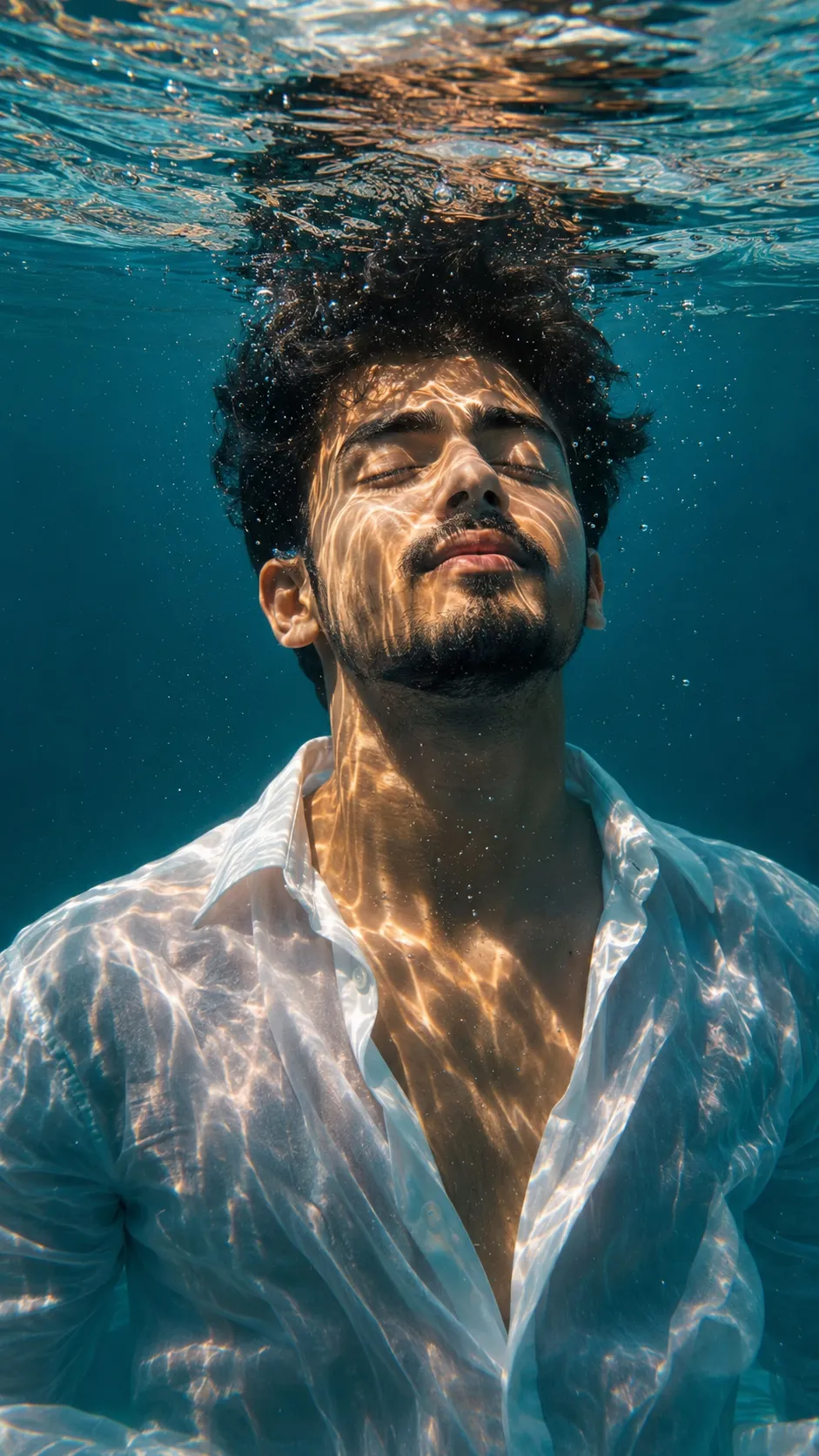
Read the guideHyper-realistic submerged portrait of a young male figure, framed from the chest upward, suspended peacefully beneath crystal-clear aqua water. Camera positioned slightly below eye level, capturing him floating vertically with his head gently angled toward the shimmering surface. Eyes closed, expression tranquil and meditative. Dark short hair drifting naturally with the underwater current. Loose white button-up shirt partially open, fabric weightless and softly waving around the body.
Bright sunlight piercing through the water from above, casting intricate moving light refractions across the skin and clothing. Rich turquoise surroundings with subtle underwater mist and depth fade. Delicate air bubbles ascending toward the surface, which glows with soft reflective ripples.
Film-like teal-and-amber cinematic grading with balanced warm skin tones and muted ocean blues. Extremely detailed facial texture, realistic water distortion, delicate underwater softness, and crisp focus concentrated on the face. HDR lighting, natural realism, minimal aesthetic composition, serene atmosphere, ultra-high-definition 8K underwater photography style.
No sign-up needed. You can also select and copy the text manually.
More inspiration for you
View all →
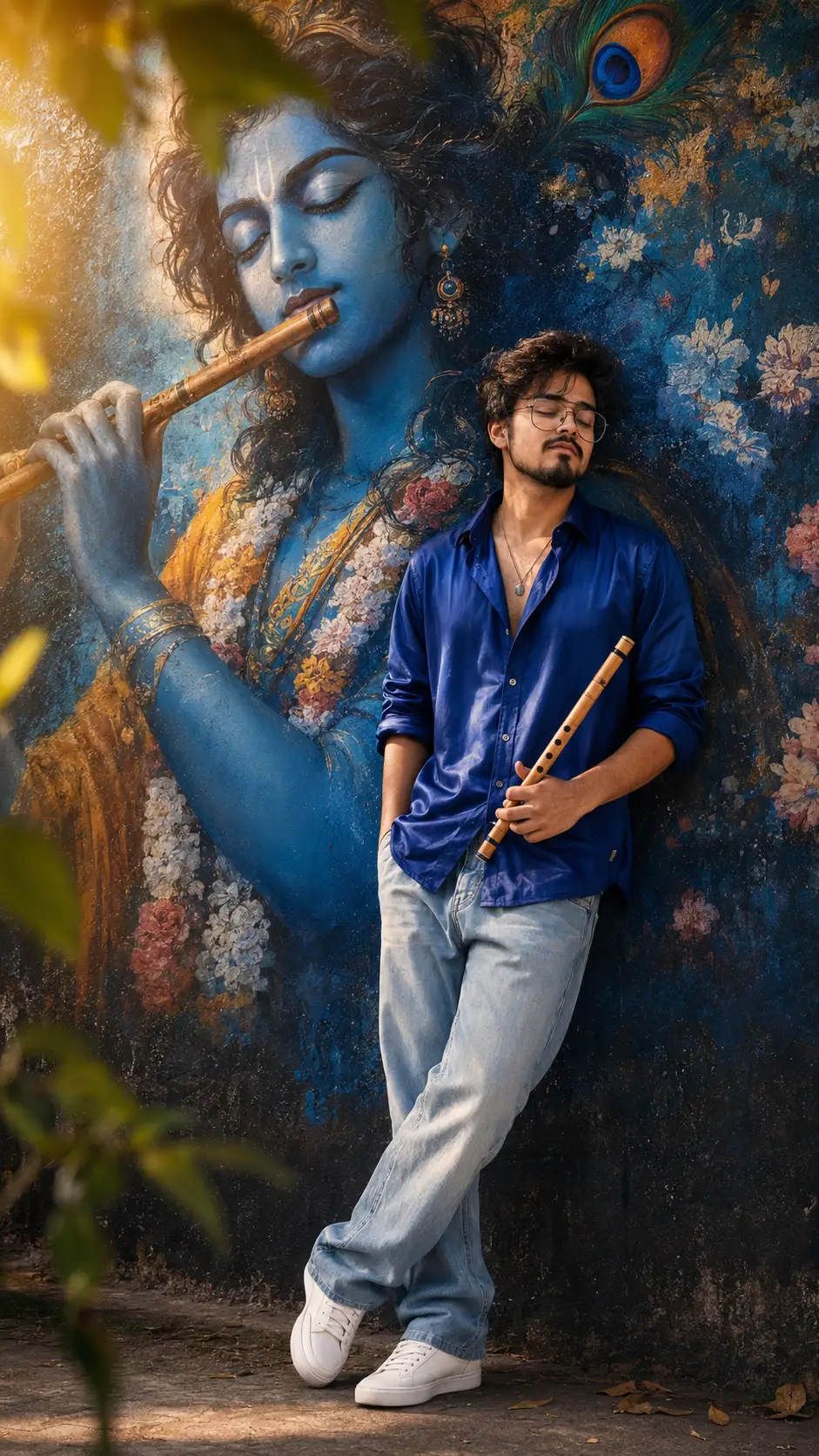
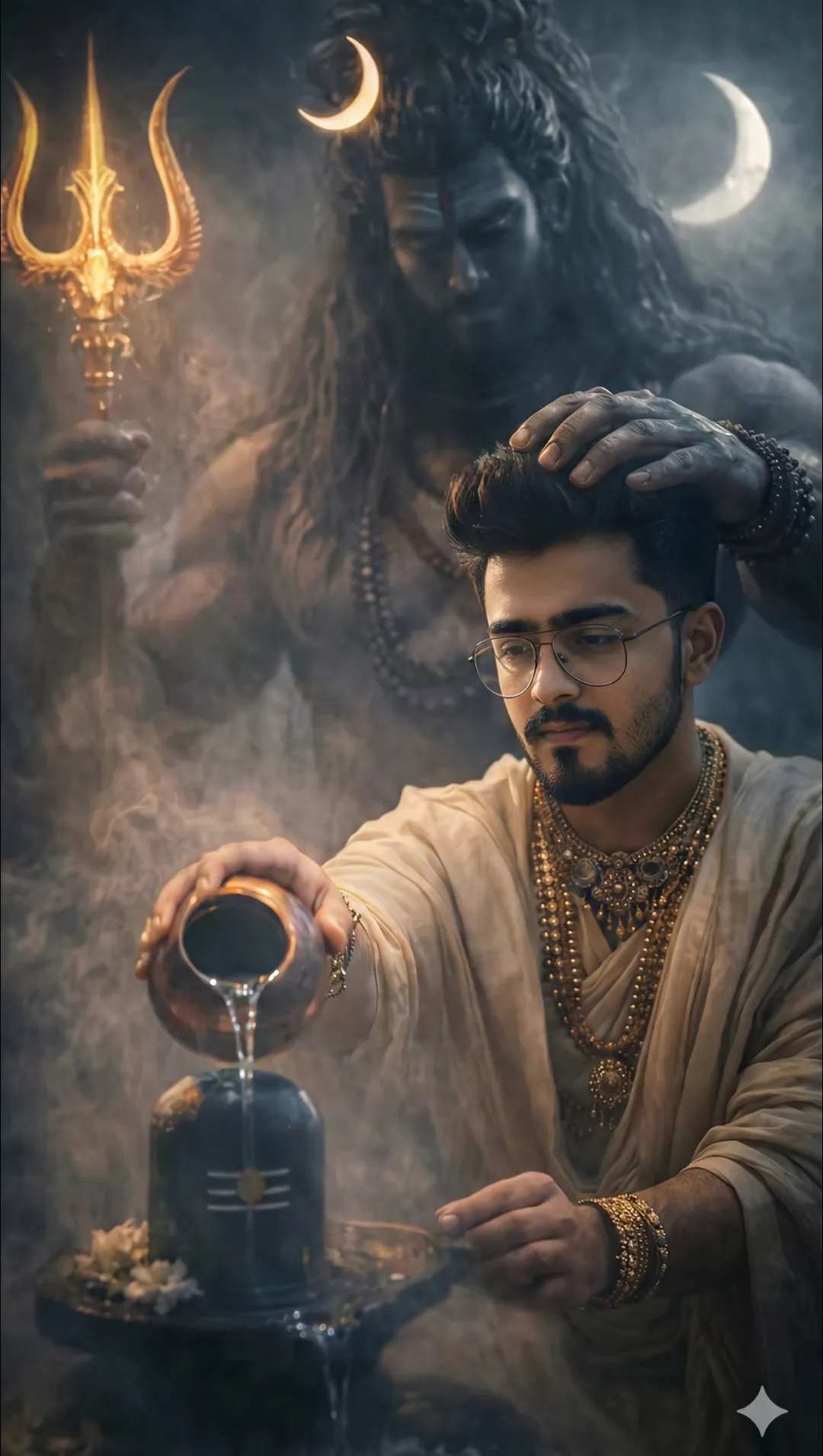
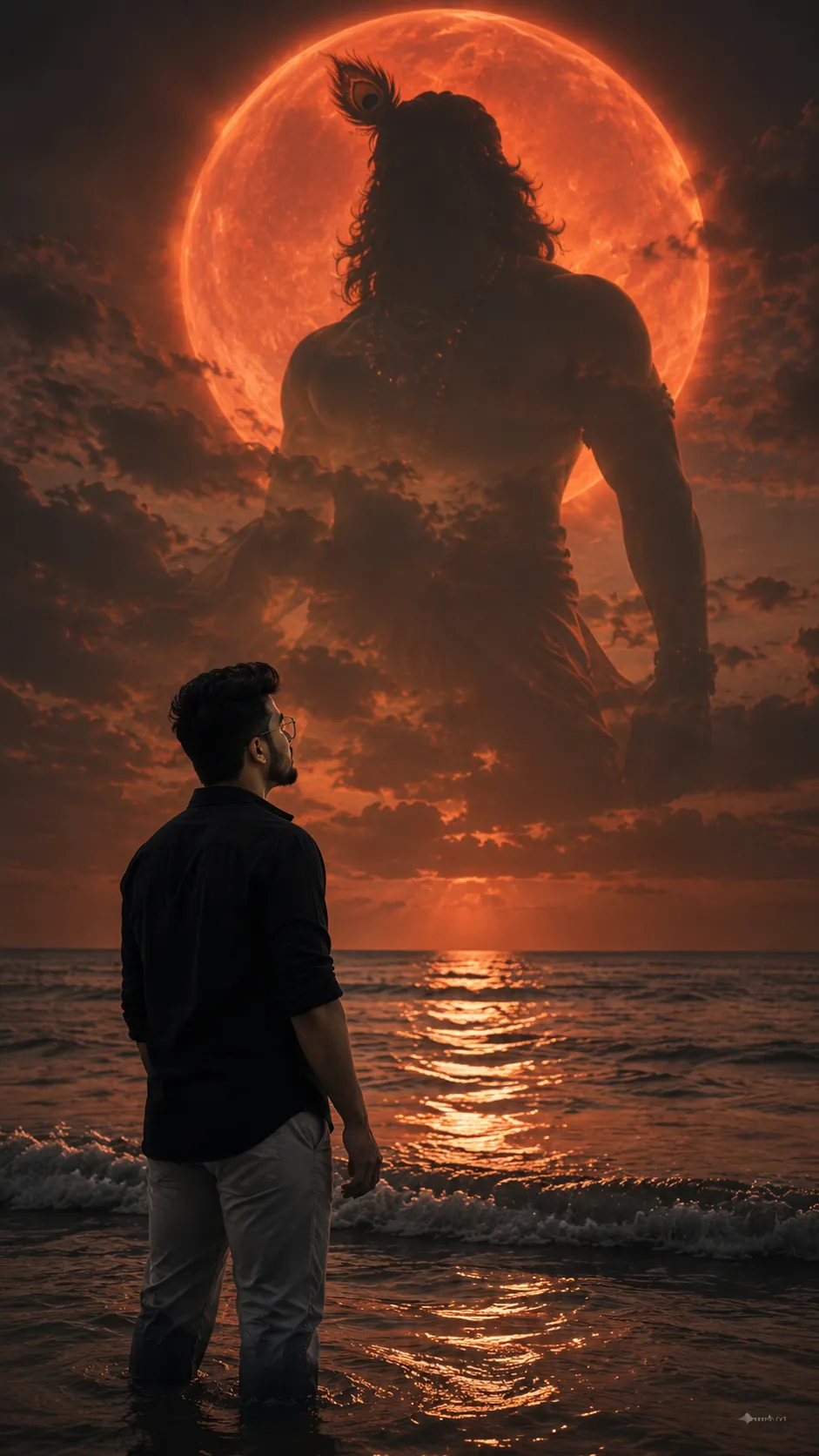
SponsoredAd
The creator's guide
How to use Underwater Wallpaper Prompt
Use “Underwater Wallpaper Prompt” as a starting point for your Portrait creation. The guide below highlights instructions from this specific prompt and shows what to change when adapting it to your own idea.
01
Get ready
Open an AI tool that supports the output you want. Start a new conversation so earlier instructions do not change the result.
02
Copy & create
Copy the complete prompt above, paste it into your AI tool, and generate a first version. Keep the original instructions for your first attempt.
03
Refine one detail
Check the eyes, hands, skin texture, and likeness first. If the face changes too much, ask to preserve the reference identity and remove conflicting appearance instructions.
Inside this prompt
Lighting
HDR lighting, natural realism, minimal aesthetic composition, serene atmosphere, ultra-high-definition 8K underwater photography style
Composition
HDR lighting, natural realism, minimal aesthetic composition, serene atmosphere, ultra-high-definition 8K underwater photography style
Style
Hyper-realistic submerged portrait of a young male figure, framed from the chest upward, suspended peacefully beneath crystal-clear aqua water
Three variations to try
Try one follow-up at a time after generating your first result.
Change the mood
Keep the subject and composition. Replace the lighting with soft natural window light and a calm, muted palette.
Make it your own
Keep the visual style. Replace the setting with a location of your choice and remove any details that conflict with the new scene.
Adapt the framing
Keep the face and identity consistent. Leave extra space around the head and shoulders for a square profile-picture crop.
If your result looks different
The preview is a visual reference, not a guaranteed output. Results vary by model, settings, and reference image. Keep the instructions that matter most, remove contradictions, and change one detail between attempts.