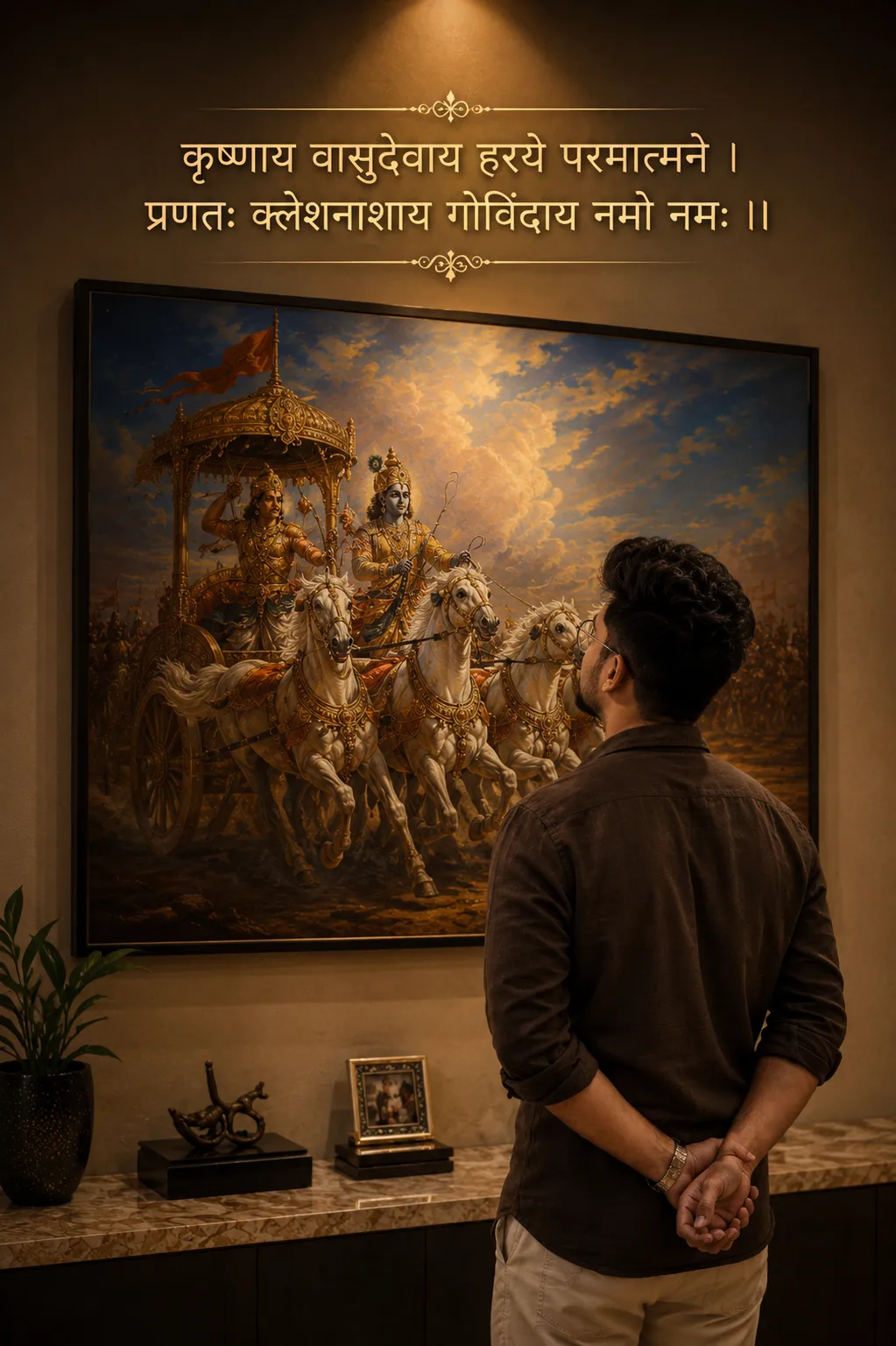
 Spiritual6,007 copies
 113 copies
Spiritual · Free image prompt
God Mahavtar Narshimha Gemini Prompt
Make this look your own. Copy the full prompt and follow the guide below.
The prompt
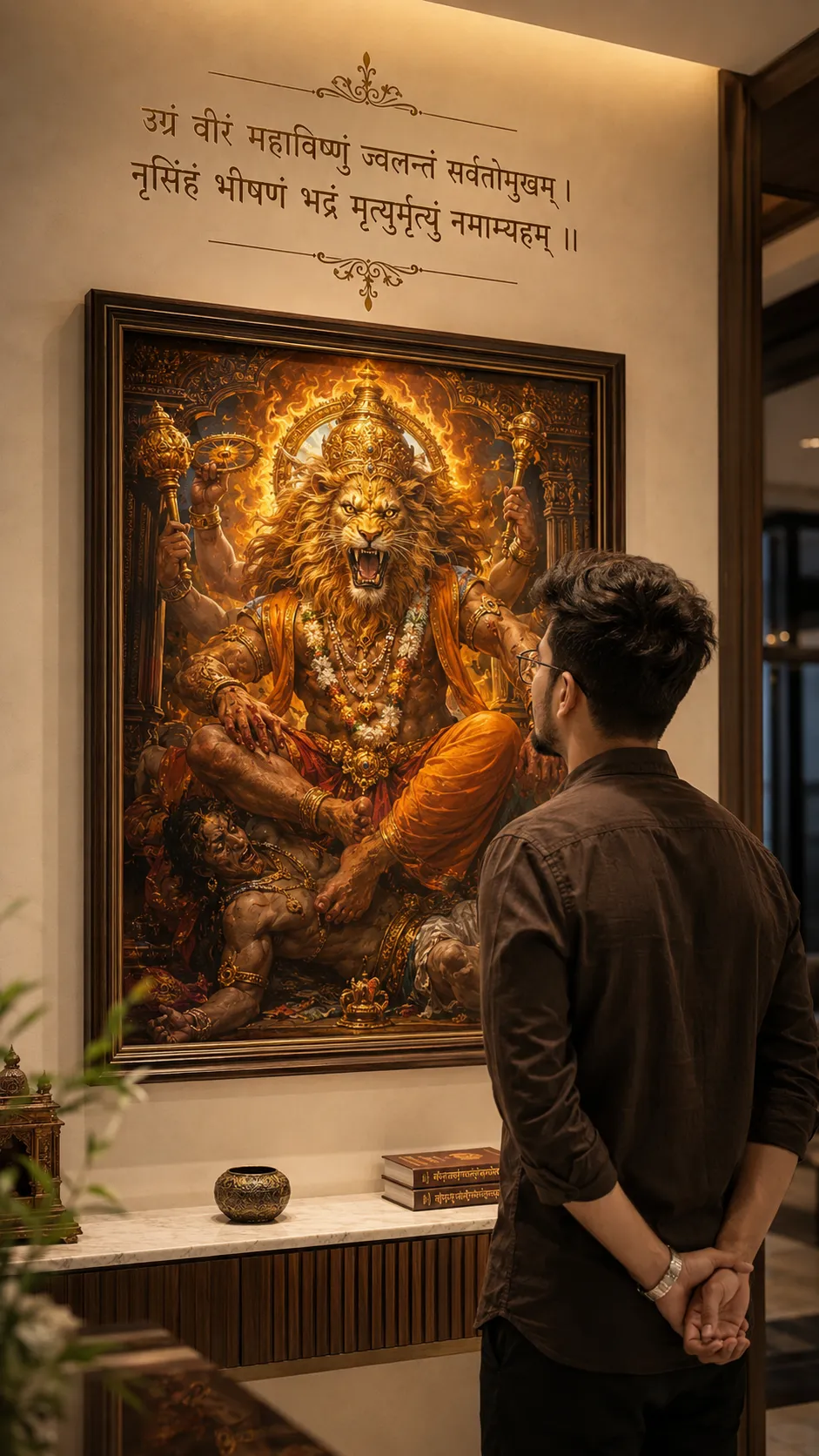
Read the guideUltra-realistic cinematic vertical 9:16 DSLR-style photograph of a stylish young Indian man standing calmly inside a luxurious modern Indian home interior, viewed naturally from a slight LEFT-BACK candid camera angle — not centered. Preserve ONLY the exact real facial identity, hairstyle, beard details, skin tone, body proportions, and natural human realism from the reference image. The person should feel like the same real human captured naturally on an iPhone or DSLR portrait shot.
At the TOP portion of the wall above the framed artwork, add elegant premium Hindi devotional typography exactly like a luxury cinematic wall quote design. The text should appear centered with decorative divider ornaments above and below, warm golden-brown typography color, soft shadow glow, refined spacing, and subtle spiritual luxury aesthetics integrated naturally into the wall — similar to a modern devotional home interior quote frame.
Top Wall Quote Text:
“उग्रं वीरं महाविष्णुं ज्वलन्तं सर्वतोमुखम् । नृसिंहं भीषणं भद्रं मृत्युर्मृत्युं नमाम्यहम् ।।”
The typography should feel naturally printed or artistically designed onto the wall itself, not digitally pasted. Add thin ornamental divider lines and elegant symmetrical flourishes above and below the quote exactly like a cinematic spiritual luxury interior.
Pose: standing peacefully while observing a massive framed “Mahavatar Narasimha Bhagwan” artwork mounted on an elegant cream/beige wall. Both hands folded behind the back naturally. Head slightly raised upward as if deeply absorbing divine power and wisdom. Only a subtle partial side jawline and hairstyle visible from the left-back angle — not full side face.
Outfit: premium earthy dark-brown cotton shirt with rolled sleeves, soft natural wrinkles, realistic fabric texture, masculine minimal Indian luxury aesthetic. Stylish but simple everyday spiritual-leader vibe.
Environment: elegant warm luxury Indian home interior with cinematic indoor lighting, soft beige walls, subtle golden top-light glow above the artwork, realistic shadows, premium depth, soft reflections, natural ambient warmth, realistic room atmosphere.
Main Artwork: ultra-detailed colorful cinematic painting of “Mahavatar Narasimha Bhagwan” in divine powerful form — majestic lion-faced avatar with glowing divine eyes, intense spiritual aura, golden ornaments, powerful expression, dramatic mythological realism, fiery divine energy, rich orange-golden tones, sacred atmosphere, premium Indian devotional artwork style. The painting should remain fully visible and visually dominant while the person stands naturally in the lower-right foreground exactly like a cinematic candid photograph.
Typography should feel premium, subtle, spiritual, naturally blended into the environment — not poster-like.
Lighting: warm cinematic indoor lighting, soft highlights on hair and shoulders, realistic skin texture, soft room shadows, subtle volumetric glow near artwork, premium DSLR cinematic color grading.
Composition: balanced cinematic framing similar to a naturally clicked candid spiritual Instagram portrait. Artwork fully visible, person occupying lower-right or center-right foreground naturally. Keep enough empty upper wall space for the Hindi quote typography exactly like a premium cinematic wall-art composition. No exaggerated pose. No fantasy look. No anime. No painting-style output. Must look like a real luxury cinematic photograph.
Ultra photorealistic, authentic skin pores, realistic hair strands, natural beard texture, shallow depth of field, premium Instagram aesthetic, emotionally powerful masculine spiritual-leadership aura, cinematic realism, iPhone/DSLR portrait photography, 4K ultra detailed.
No watermark, no UI, no extra people, no distorted hands, no AI-art appearance.
No sign-up needed. You can also select and copy the text manually.
More inspiration for you
View all →
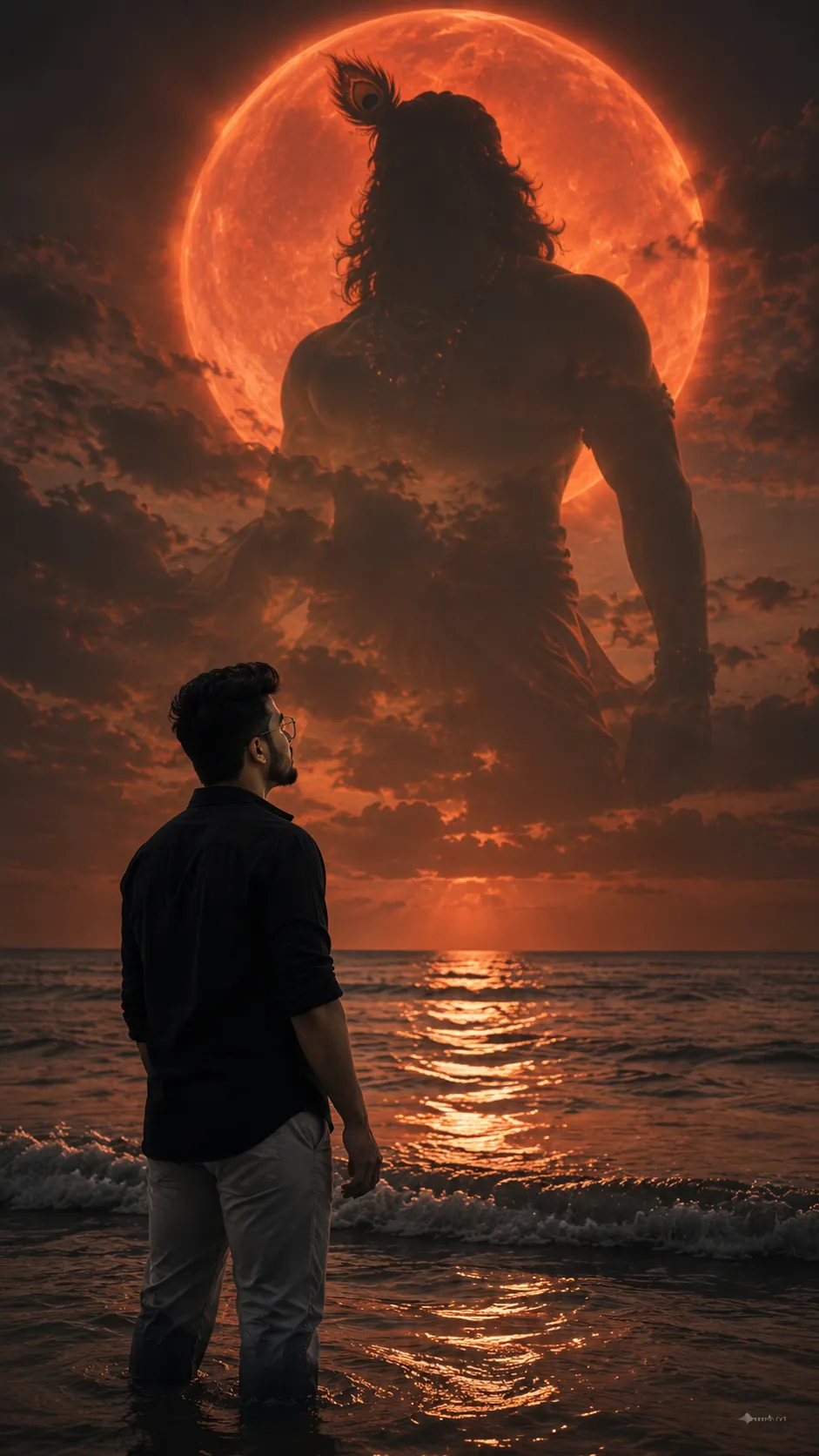
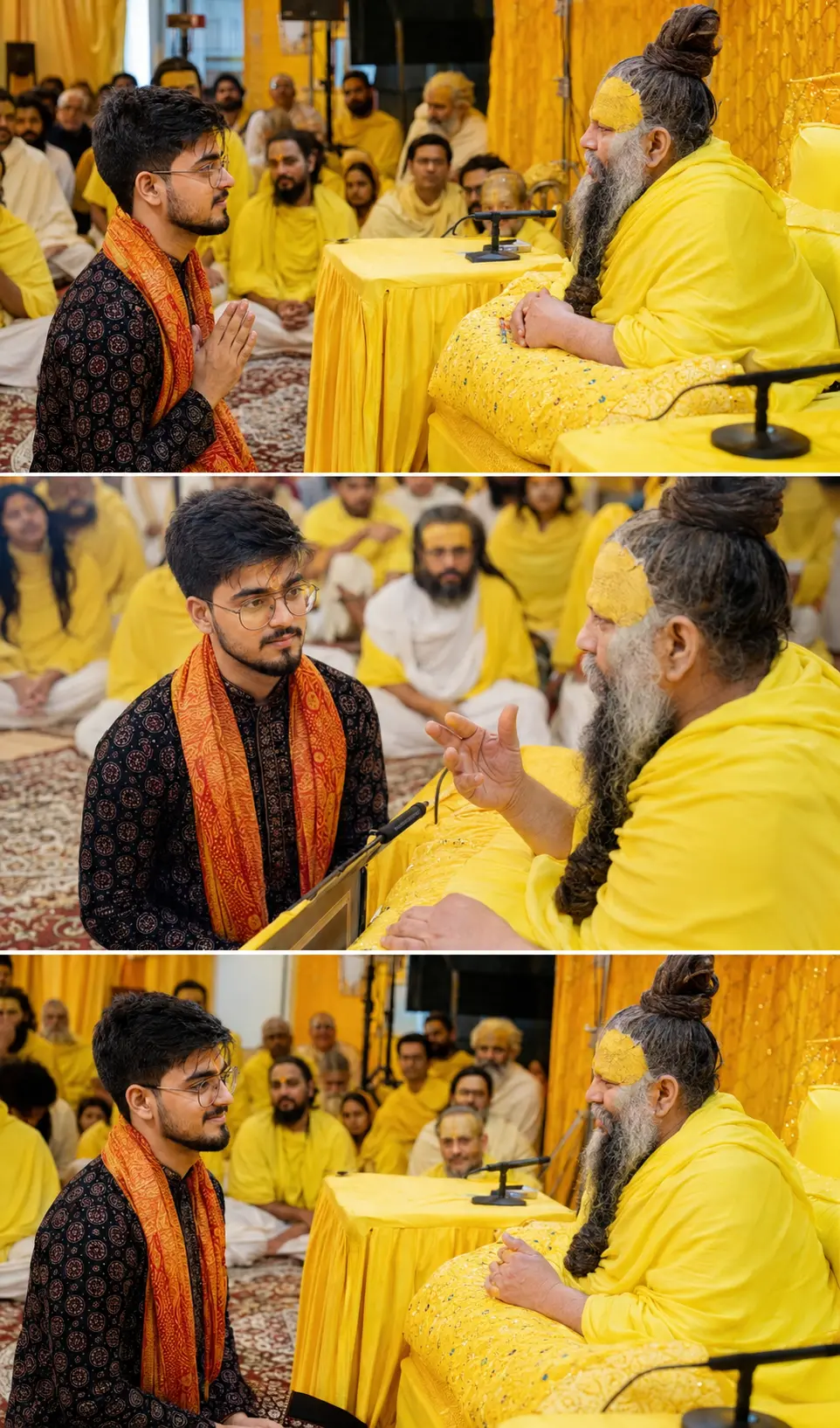
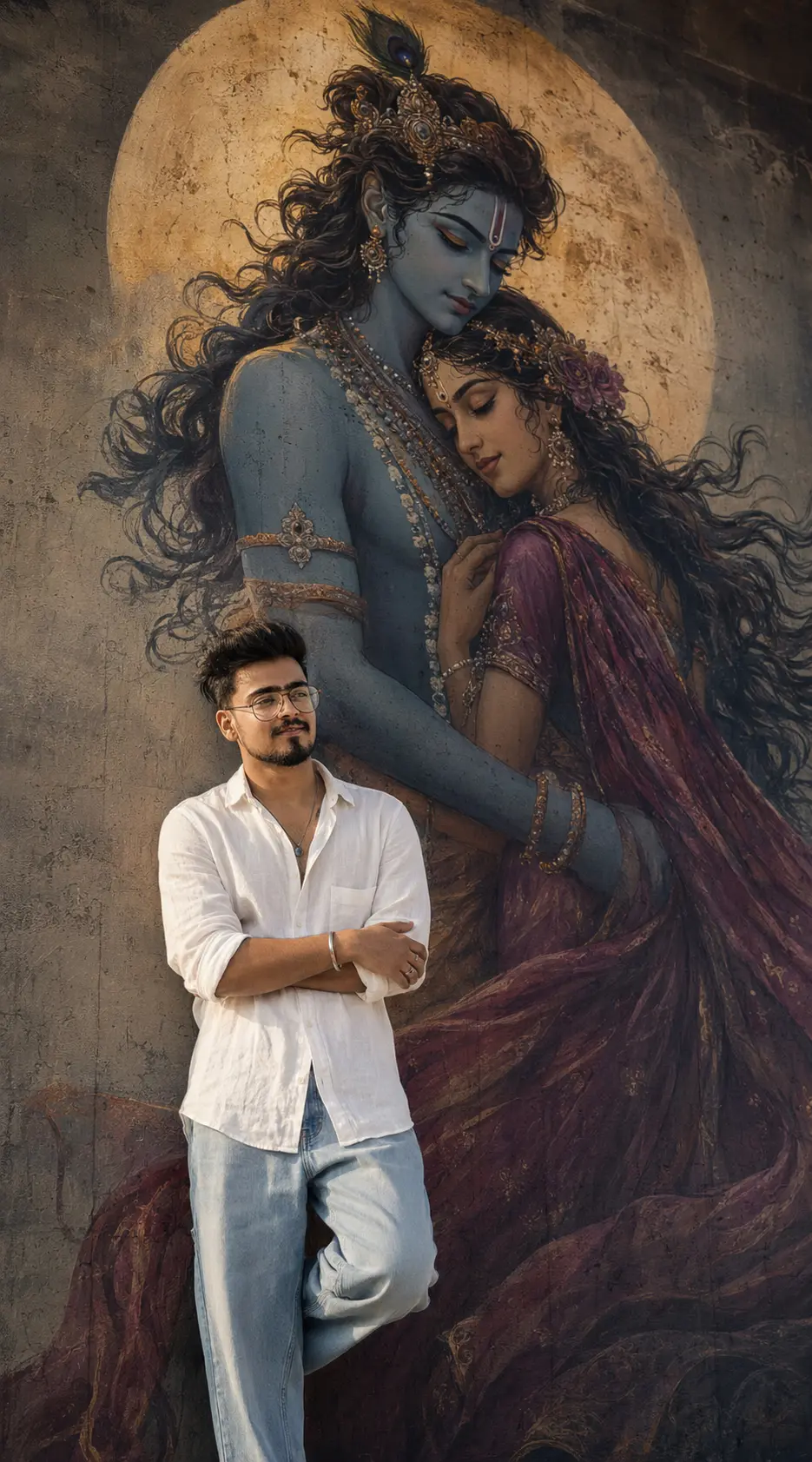
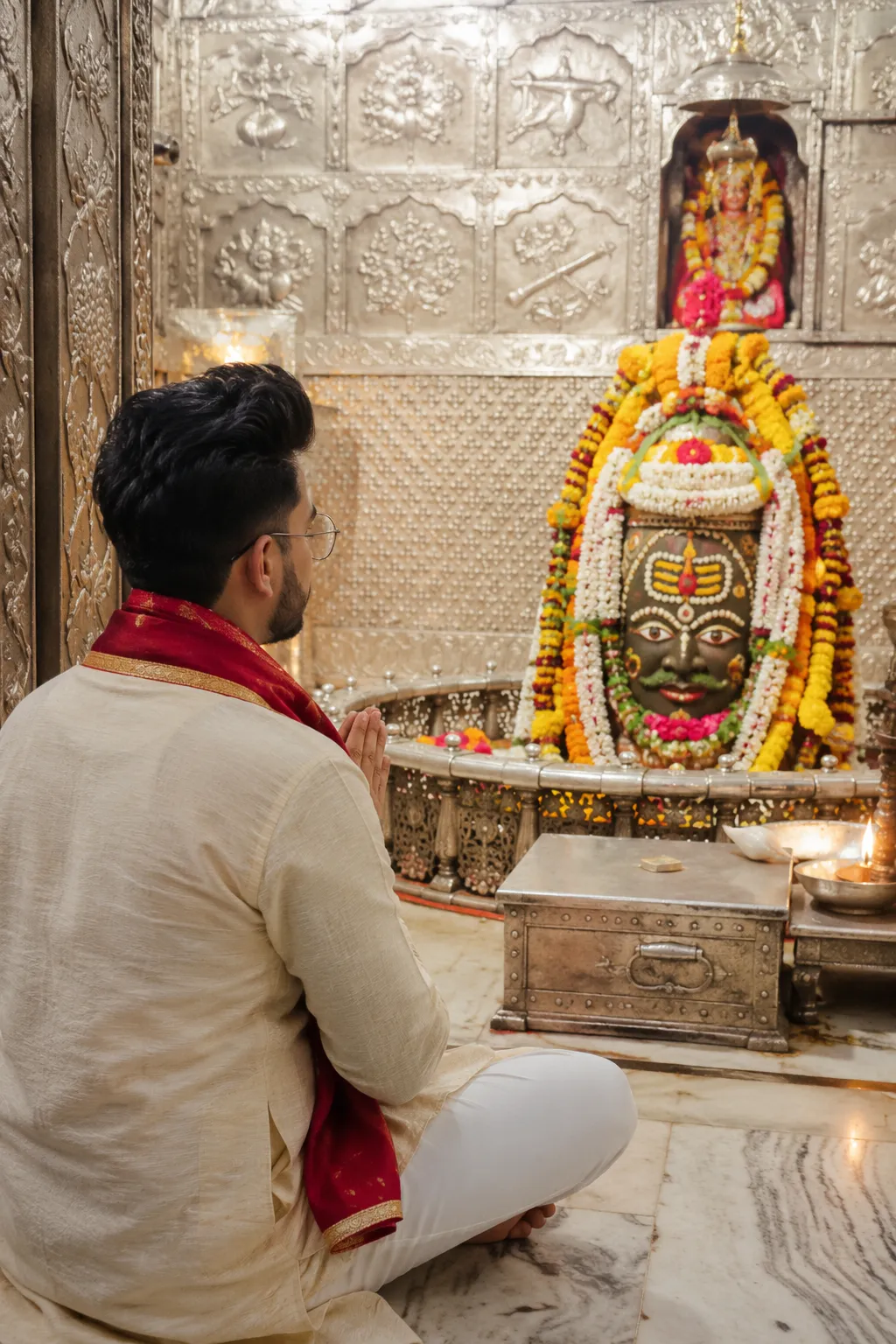

SponsoredAd
The creator's guide
How to use God Mahavtar Narshimha Gemini Prompt
Use “God Mahavtar Narshimha Gemini Prompt” as a starting point for your Spiritual creation. The guide below highlights instructions from this specific prompt and shows what to change when adapting it to your own idea.
01
Get ready
Start with a clear reference photo. Upload it to an AI tool that accepts images before pasting the prompt. Choose a well-lit image with the subject unobstructed.
02
Copy & create
Copy the complete prompt above, paste it into your AI tool, and generate a first version. Keep the original instructions for your first attempt.
03
Refine one detail
Check the eyes, hands, skin texture, and likeness first. If the face changes too much, ask to preserve the reference identity and remove conflicting appearance instructions.
Inside this prompt
Lighting
Environment: elegant warm luxury Indian home interior with cinematic indoor lighting, soft beige walls, subtle golden top-light glow above the artwork, realistic shadows, premium depth, soft reflections, natural ambient warmth, realistic…
Composition
Ultra-realistic cinematic vertical 9:16 DSLR-style photograph of a stylish young Indian man standing calmly inside a luxurious modern Indian home interior, viewed naturally from a slight LEFT-BACK candid camera angle — not centered
Style
Ultra-realistic cinematic vertical 9:16 DSLR-style photograph of a stylish young Indian man standing calmly inside a luxurious modern Indian home interior, viewed naturally from a slight LEFT-BACK candid camera angle — not centered
Three variations to try
Try one follow-up at a time after generating your first result.
Change the mood
Keep the subject and composition. Replace the lighting with soft natural window light and a calm, muted palette.
Make it your own
Keep the visual style. Replace the setting with a location of your choice and remove any details that conflict with the new scene.
Adapt the framing
Keep the face and identity consistent. Leave extra space around the head and shoulders for a square profile-picture crop.
If your result looks different
The preview is a visual reference, not a guaranteed output. Results vary by model, settings, and reference image. Keep the instructions that matter most, remove contradictions, and change one detail between attempts.