 Spiritual6,007 copies
 1,518 copies
Spiritual · Free image prompt
Ujjain Mahakaleshwar Temple Gemini Prompt
Make this look your own. Copy the full prompt and follow the guide below.
The prompt
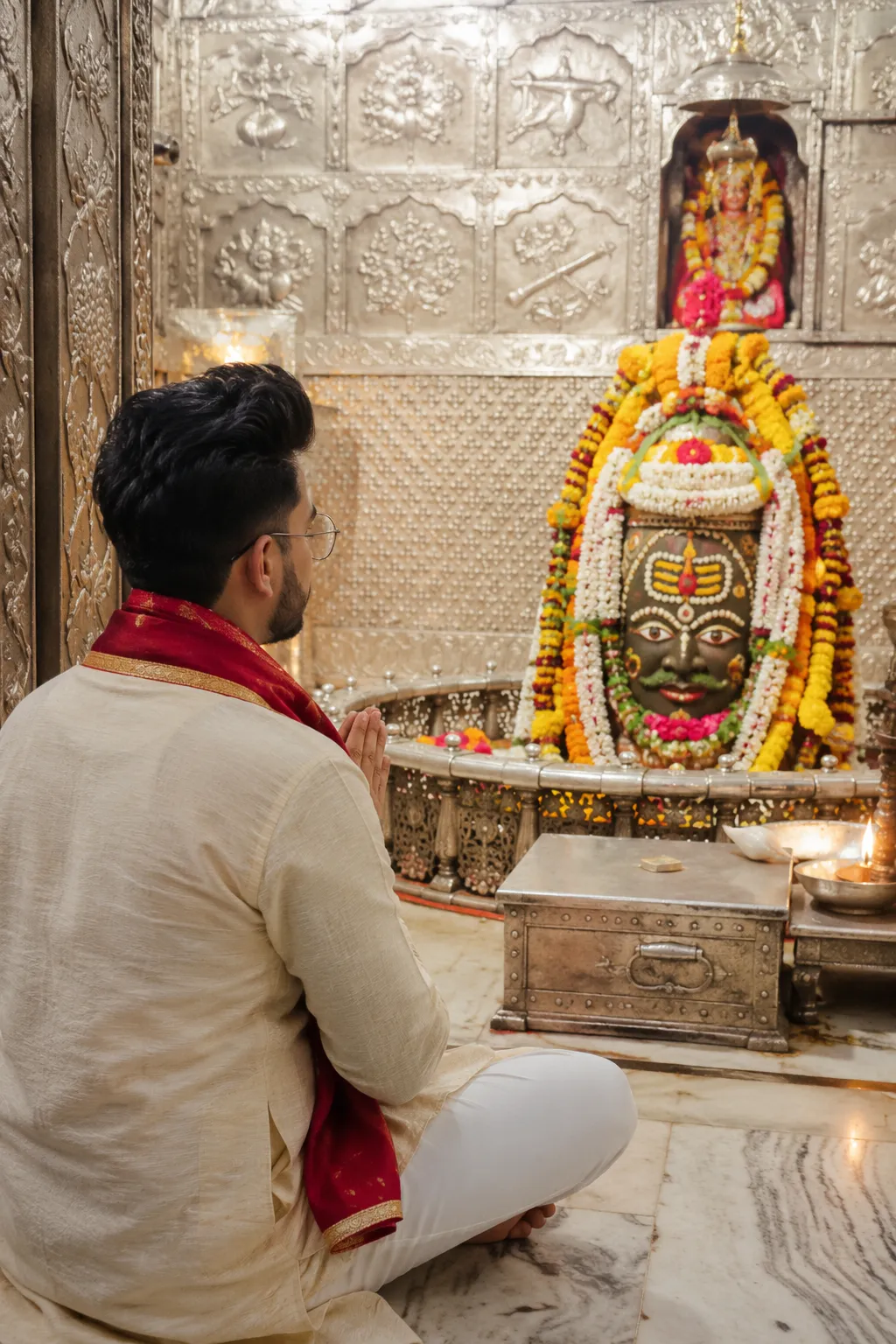
Read the guideUltra-realistic cinematic devotional photograph inside the ORIGINAL real-life garbhagriha during peaceful darshan. Use the EXACT authentic Mahakaleshwar sanctum architecture from real temple photography — detailed silver carvings, sacred metallic walls, original shrine placement, authentic marble flooring, glowing diyas, incense haze, flower offerings, and warm spiritual temple lighting. The entire environment must feel like a genuine DSLR photograph captured during real darshan inside the original Mahakal temple, not fantasy art or AI-generated architecture.
VERY STRICT TEMPLE ACCURACY (MOST IMPORTANT): The Mahakaleshwar Jyotirlinga must look EXACTLY like the real decorated Ujjain Mahakal Shivling seen in authentic darshan visuals — same sacred shape, same traditional floral decoration, same silver surroundings, same tilak details, same ornament style, same real temple arrangement. Decorate naturally with fresh marigold and white flower malas, sacred ornaments, bilva leaves, flowers, and traditional temple aesthetics exactly like real Mahakal darshan photography. DO NOT redesign the shrine. DO NOT create imaginary carvings, fake glowing effects, fantasy interiors, cinematic deity alterations, or artificial temple layouts.
IMPORTANT DEVOTEE POSITION & IDENTITY VISIBILITY: A devotee is sitting peacefully on the marble floor facing Mahadev with deep devotion. Capture from slightly behind at a 3/4 rear-side angle so a SMALL PART of the face profile is naturally visible — just enough to identify the person realistically while still maintaining a devotional backside darshan composition. Face should NOT look directly at camera. Eyes gently toward Mahakal Jyotirlinga only. Hands joined naturally in namaskar posture. Expression calm, emotional, spiritual, and naturally photographed.
IMPORTANT ADAPTIVE GENDER STYLING:
If reference image is male: elegant cream/off-white silk kurta with a rich saffron, maroon, or deep crimson shawl draped naturally over shoulders with realistic fabric folds.
If reference image is female: graceful traditional saree or salwar suit in devotional shades like maroon, crimson, saffron, ivory, rose-red, or royal wine tones with natural flowing fabric and authentic temple styling.
IMPORTANT COMPOSITION: Vertical cinematic framing from near the sanctum entrance area. The devotee should appear seated in foreground while the REAL Mahakal Jyotirlinga remains the divine focal point in center background. Maintain realistic temple depth, authentic proportions, immersive darshan atmosphere, and true-to-life spatial perspective exactly like premium devotional travel photography.
STYLE & CAMERA: Ultra-realistic DSLR photography, cinematic spiritual mood, soft golden temple lighting, realistic smoke haze, sacred ambience, realistic marble reflections, premium color grading, natural skin texture, authentic Indian devotional atmosphere, shallow depth of field, emotional realism, highly detailed textures, Instagram-worthy cinematic darshan photograph, 8K realism, natural human proportions, absolutely realistic non-AI look.
No sign-up needed. You can also select and copy the text manually.
More inspiration for you
View all →
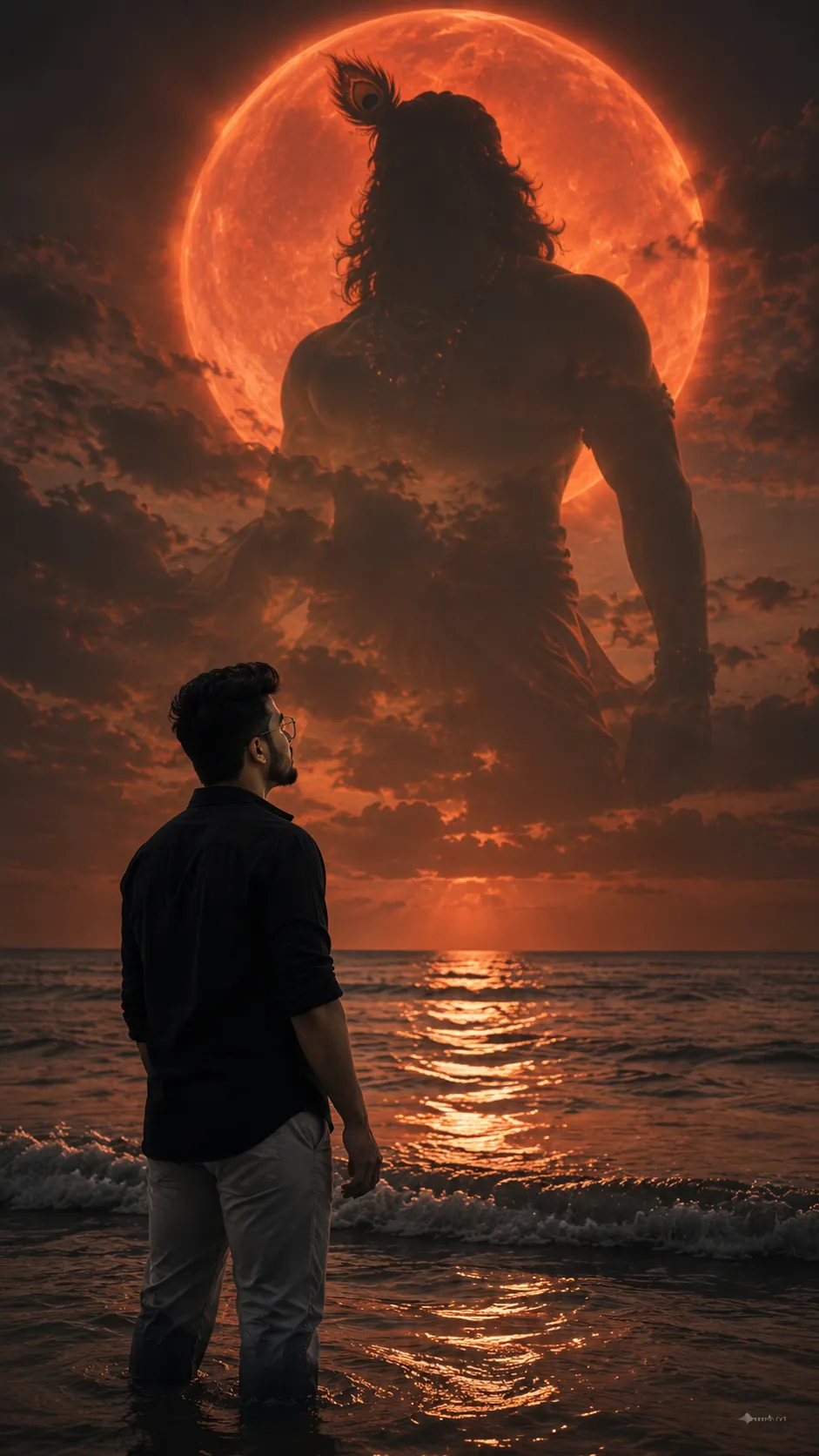
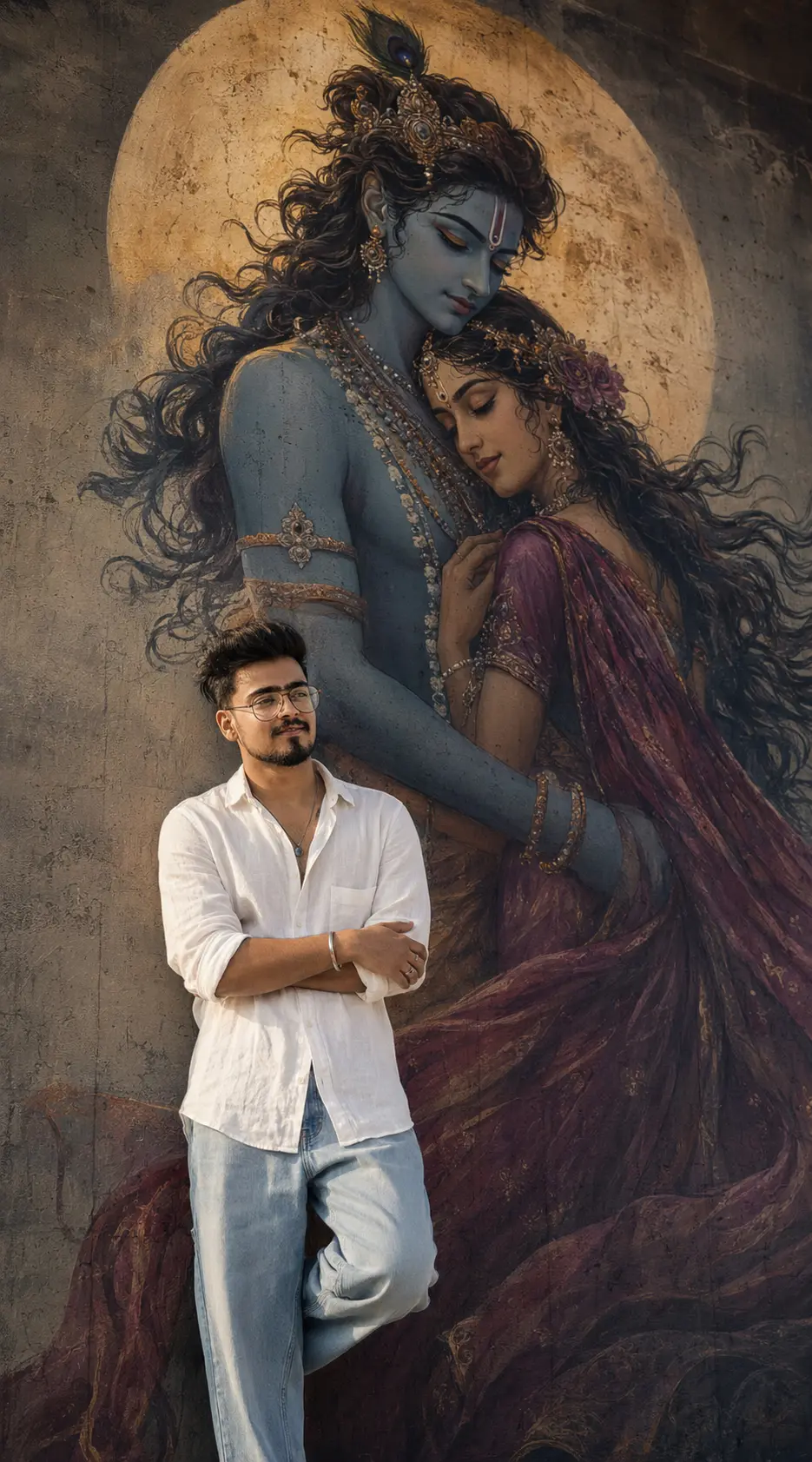

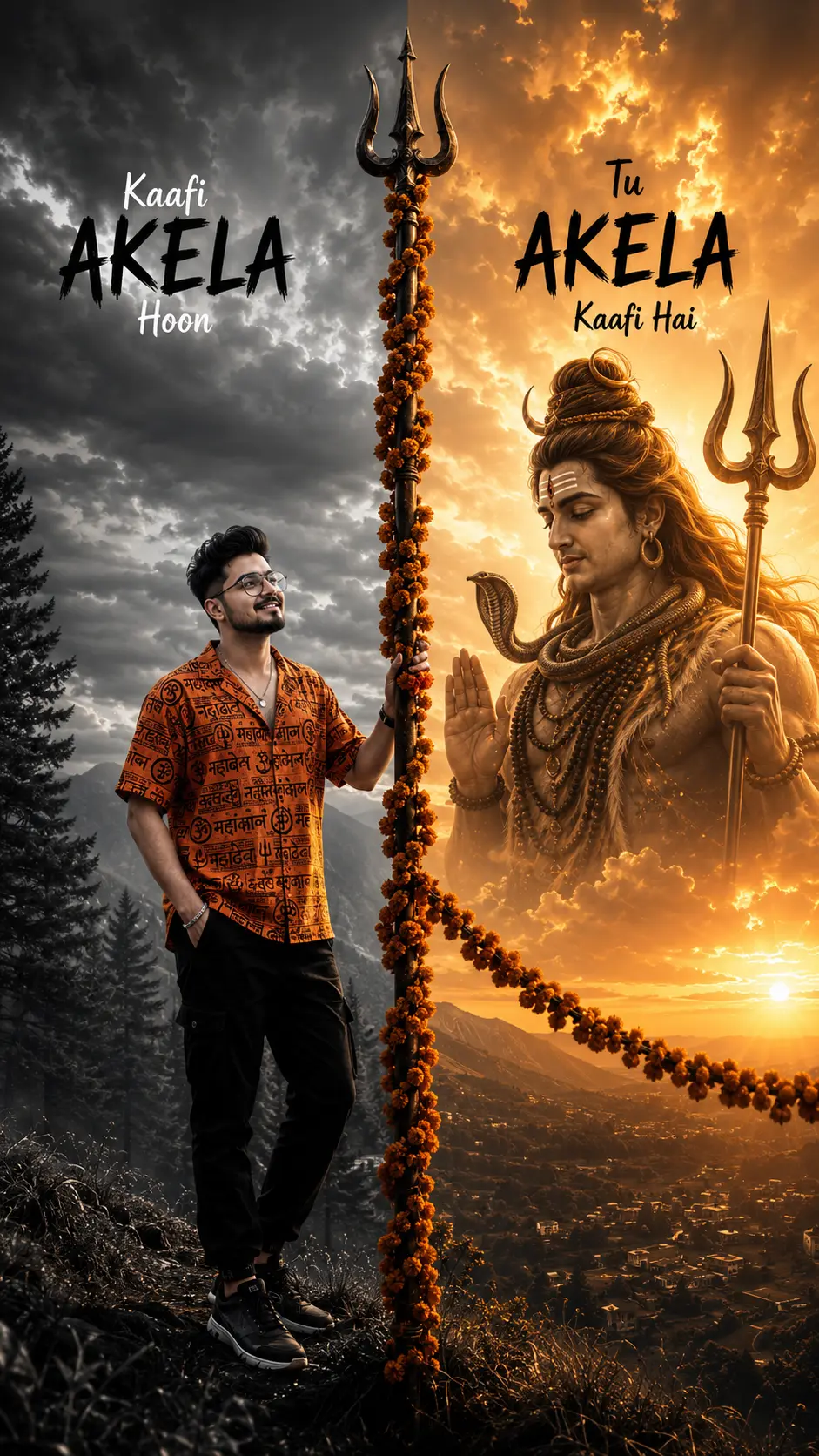
SponsoredAd
The creator's guide
How to use Ujjain Mahakaleshwar Temple Gemini Prompt
Use “Ujjain Mahakaleshwar Temple Gemini Prompt” as a starting point for your Spiritual creation. The guide below highlights instructions from this specific prompt and shows what to change when adapting it to your own idea.
01
Get ready
Start with a clear reference photo. Upload it to an AI tool that accepts images before pasting the prompt. Choose a well-lit image with the subject unobstructed.
02
Copy & create
Copy the complete prompt above, paste it into your AI tool, and generate a first version. Keep the original instructions for your first attempt.
03
Refine one detail
Check the eyes, hands, skin texture, and likeness first. If the face changes too much, ask to preserve the reference identity and remove conflicting appearance instructions.
Inside this prompt
Lighting
Use the EXACT authentic Mahakaleshwar sanctum architecture from real temple photography — detailed silver carvings, sacred metallic walls, original shrine placement, authentic marble flooring, glowing diyas, incense haze, flower offering…
Composition
Capture from slightly behind at a 3/4 rear-side angle so a SMALL PART of the face profile is naturally visible — just enough to identify the person realistically while still maintaining a devotional backside darshan composition
Style
Ultra-realistic cinematic devotional photograph inside the ORIGINAL real-life garbhagriha during peaceful darshan
Three variations to try
Try one follow-up at a time after generating your first result.
Change the mood
Keep the subject and composition. Replace the lighting with soft natural window light and a calm, muted palette.
Make it your own
Keep the visual style. Replace the setting with a location of your choice and remove any details that conflict with the new scene.
Adapt the framing
Keep the face and identity consistent. Leave extra space around the head and shoulders for a square profile-picture crop.
If your result looks different
The preview is a visual reference, not a guaranteed output. Results vary by model, settings, and reference image. Keep the instructions that matter most, remove contradictions, and change one detail between attempts.