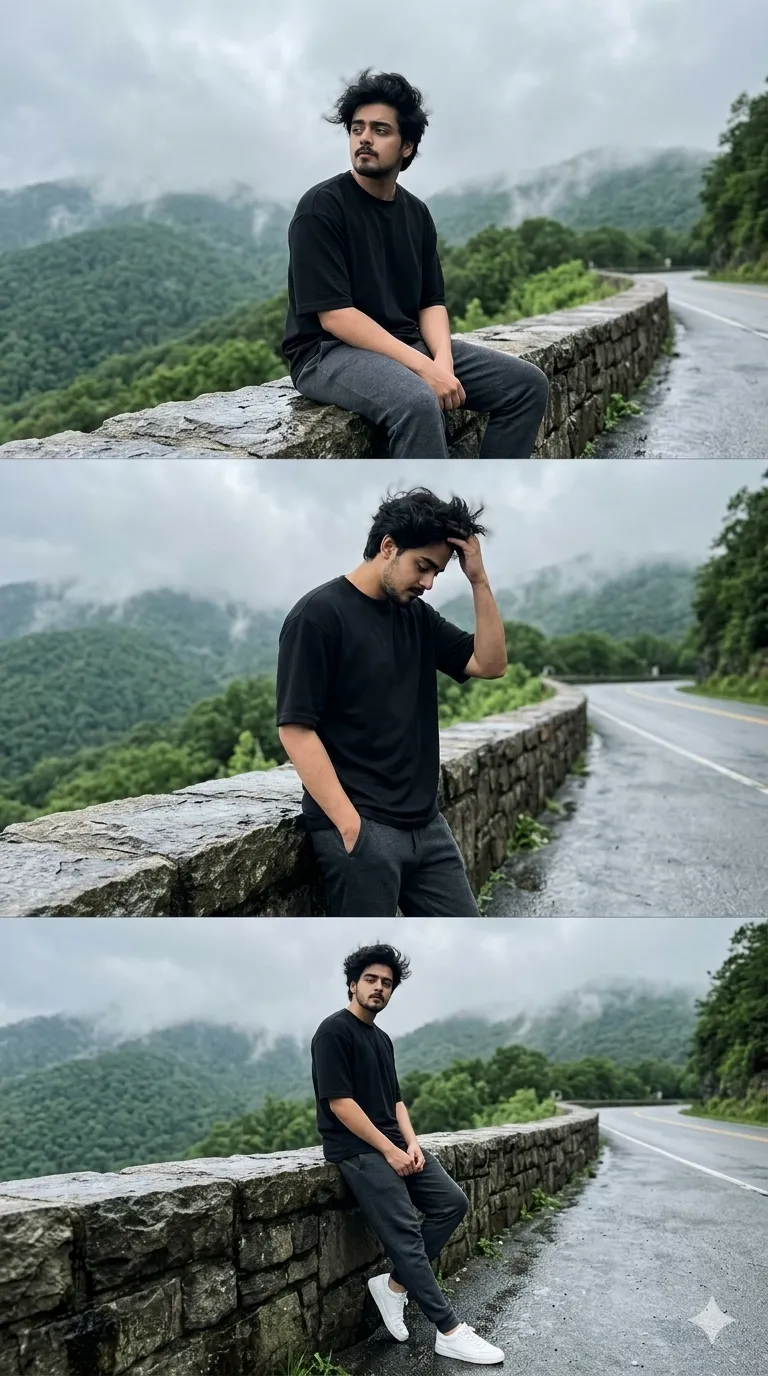
 Mountain552 copies
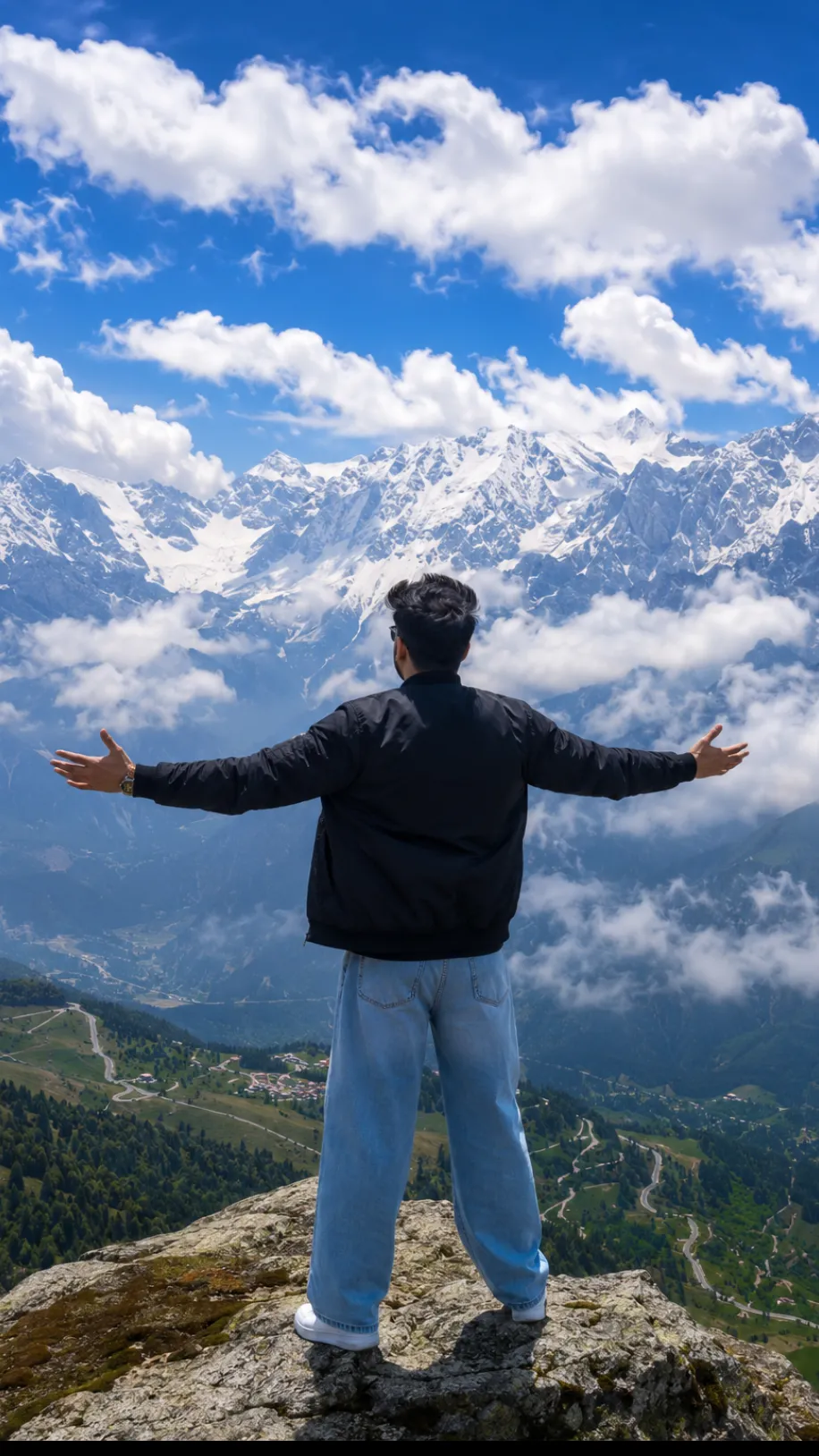 240 copies
Mountain · Free image prompt
Cinematic Mountain Photo Prompt
Make this look your own. Copy the full prompt and follow the guide below.
The prompt
Read the guideCreate an ultra-photorealistic cinematic landscape captured from behind a young South Asian male standing at the very edge of a rocky mountain summit, his arms spread wide in a gesture of freedom while looking toward an immense panorama of snow-covered Himalayan mountains. He is dressed in a black bomber jacket, loose-fit light blue denim jeans, and clean white sneakers. His neatly styled black hair is lightly tousled by the cool alpine wind. Far below, a lush emerald valley stretches into the distance, featuring dense forests, winding mountain roads, and scattered villages. Thick white clouds drift gracefully through the mountain ranges beneath a rich sapphire-blue sky filled with soft cotton-like cumulus clouds. The scene is illuminated by bright natural midday sunlight, producing crystal-clear alpine visibility, realistic HDR lighting, highly detailed textures, subtle atmospheric depth, and volumetric light rays. Captured with a 24mm ultra-wide DSLR lens, featuring razor-sharp focus, cinematic color grading, documentary-style realism inspired by National Geographic photography, breathtaking scale, and true-to-life 8K image quality.. 9:16 ratio.
No sign-up needed. You can also select and copy the text manually.
More inspiration for you
View all →
SponsoredAd
The creator's guide
How to use Cinematic Mountain Photo Prompt
Use “Cinematic Mountain Photo Prompt” as a starting point for your Mountain creation. The guide below highlights instructions from this specific prompt and shows what to change when adapting it to your own idea.
01
Get ready
Open an AI tool that supports the output you want. Start a new conversation so earlier instructions do not change the result.
02
Copy & create
Copy the complete prompt above, paste it into your AI tool, and generate a first version. Keep the original instructions for your first attempt.
03
Refine one detail
Check that the main subject, layout, and style match your idea. If the image feels busy, remove secondary details and describe one clear focal point.
Inside this prompt
Lighting
The scene is illuminated by bright natural midday sunlight, producing crystal-clear alpine visibility, realistic HDR lighting, highly detailed textures, subtle atmospheric depth, and volumetric light rays
Style
Create an ultra-photorealistic cinematic landscape captured from behind a young South Asian male standing at the very edge of a rocky mountain summit, his arms spread wide in a gesture of freedom while looking toward an immense panorama …
Three variations to try
Try one follow-up at a time after generating your first result.
Change the mood
Keep the subject and composition. Replace the lighting with soft natural window light and a calm, muted palette.
Make it your own
Keep the visual style. Replace the setting with a location of your choice and remove any details that conflict with the new scene.
Adapt the framing
Keep the main subject fully visible. Leave clear space around it so the result can be cropped for your chosen format.
If your result looks different
The preview is a visual reference, not a guaranteed output. Results vary by model, settings, and reference image. Keep the instructions that matter most, remove contradictions, and change one detail between attempts.