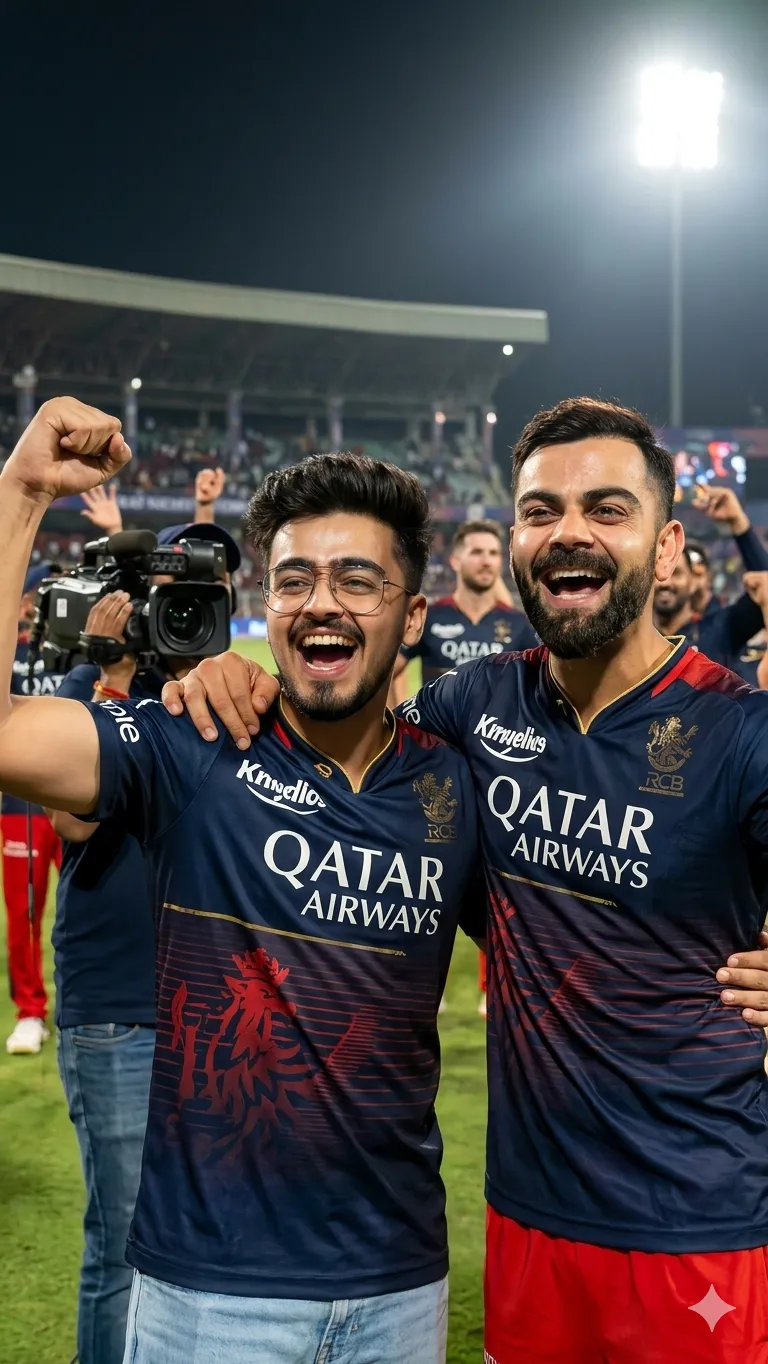
 Sports362 copies
 29 copies
Sports · Free image prompt
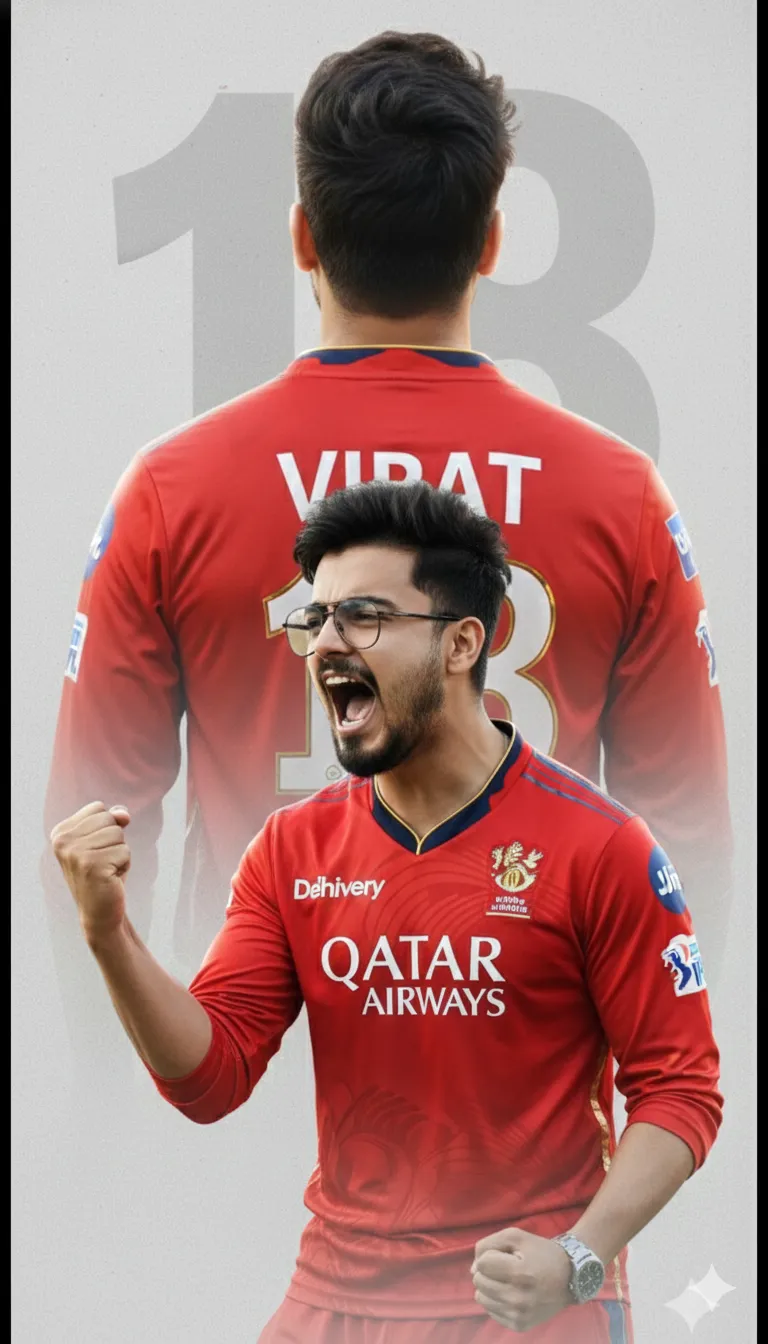
RCB Victory Double Exposure
Make this look your own. Copy the full prompt and follow the guide below.
The prompt
Read the guideDesign a premium cricket-themed poster using the reference photo of a young man with slightly untidy dark hair and black eyeglasses. He is dressed in a red Royal Challengers Bengaluru jersey featuring realistic Qatar Airways and Delhivery sponsor logos. Use a double-exposure composition: the front layer shows him yelling in victory with a tightly clenched fist, while the back layer displays a larger, soft-faded rear view revealing the name “Virat” and the number “18” on the jersey. Set the scene on a minimal, light-gray textured background with a subtle oversized 18 watermark. Cinematic lighting, ultra-sharp details, high-resolution, professional sports poster design.
No sign-up needed. You can also select and copy the text manually.
More inspiration for you
View all →
SponsoredAd
The creator's guide
How to use RCB Victory Double Exposure
Use “RCB Victory Double Exposure” as a starting point for your Sports creation. The guide below highlights instructions from this specific prompt and shows what to change when adapting it to your own idea.
01
Get ready
Start with a clear reference photo. Upload it to an AI tool that accepts images before pasting the prompt. Choose a well-lit image with the subject unobstructed.
02
Copy & create
Copy the complete prompt above, paste it into your AI tool, and generate a first version. Keep the original instructions for your first attempt.
03
Refine one detail
Check that the main subject, layout, and style match your idea. If the image feels busy, remove secondary details and describe one clear focal point.
Inside this prompt
Lighting
Cinematic lighting, ultra-sharp details, high-resolution, professional sports poster design
Composition
Use a double-exposure composition: the front layer shows him yelling in victory with a tightly clenched fist, while the back layer displays a larger, soft-faded rear view revealing the name “Virat” and the number “18” on the jersey
Style
He is dressed in a red Royal Challengers Bengaluru jersey featuring realistic Qatar Airways and Delhivery sponsor logos
Three variations to try
Try one follow-up at a time after generating your first result.
Change the mood
Keep the subject and composition. Replace the lighting with soft natural window light and a calm, muted palette.
Make it your own
Keep the visual style. Replace the setting with a location of your choice and remove any details that conflict with the new scene.
Adapt the framing
Keep the main subject fully visible. Leave clear space around it so the result can be cropped for your chosen format.
If your result looks different
The preview is a visual reference, not a guaranteed output. Results vary by model, settings, and reference image. Keep the instructions that matter most, remove contradictions, and change one detail between attempts.