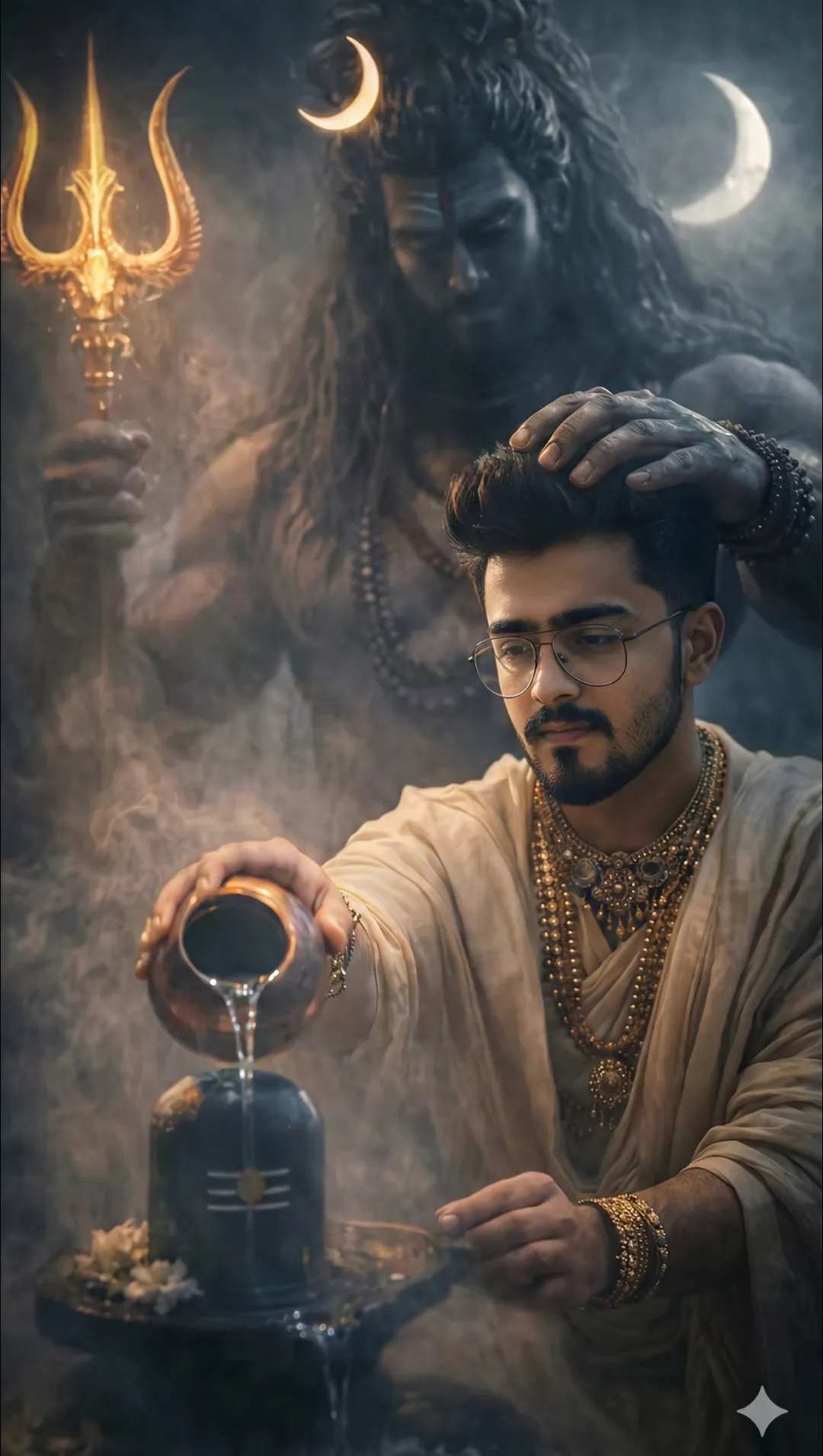
 Spritual4,568 copies
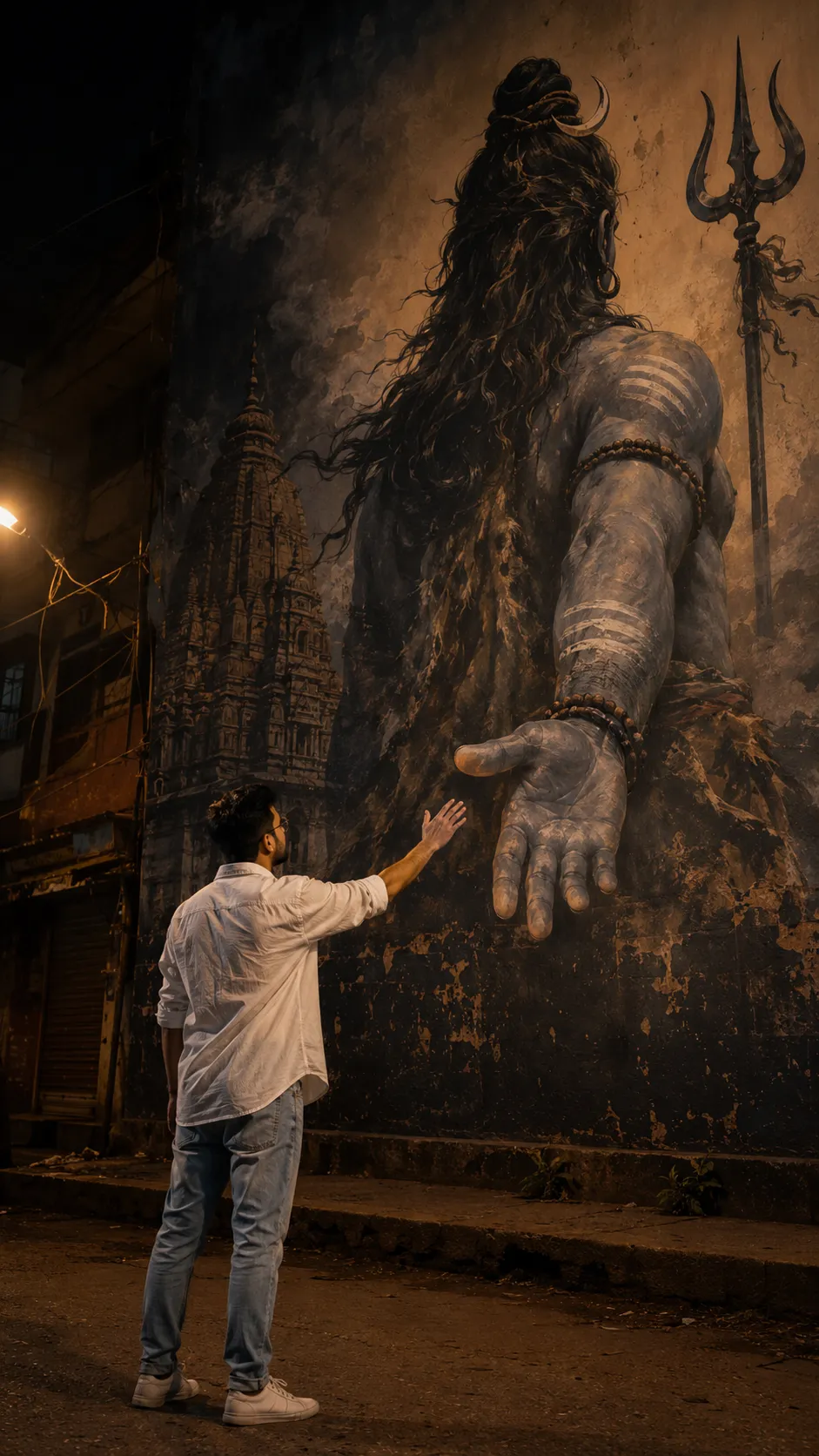 765 copies
Spritual · Free image prompt
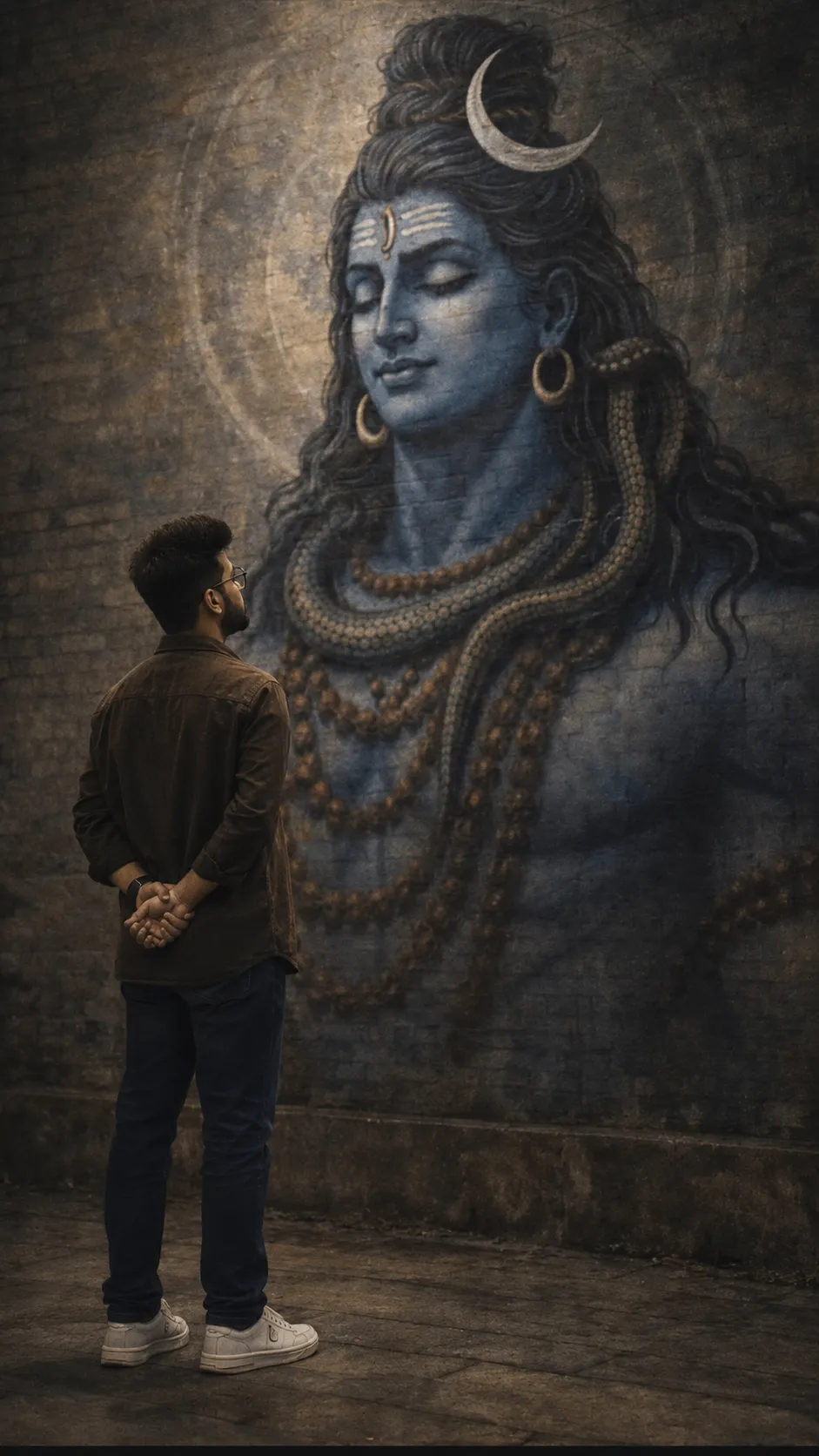
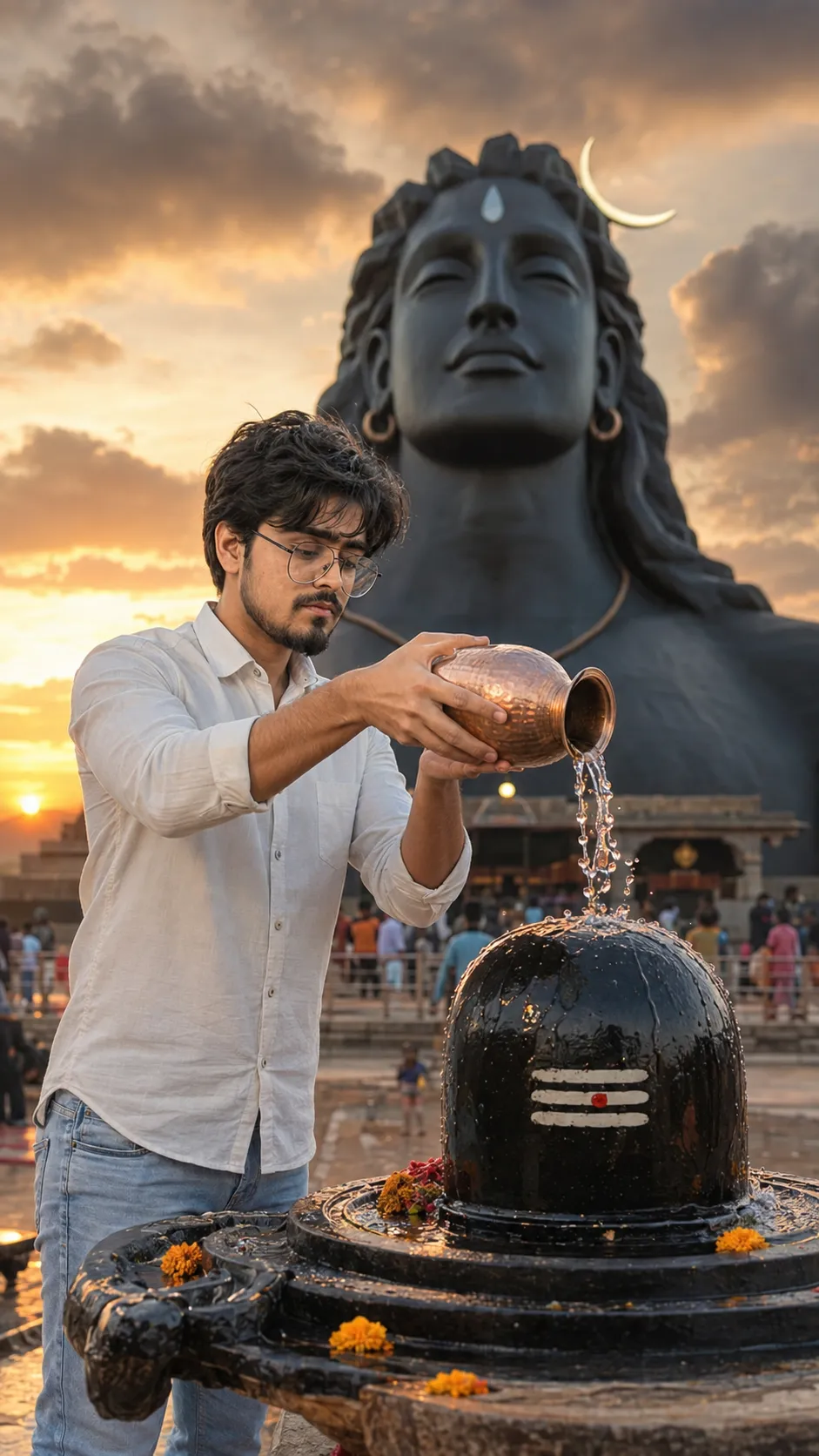
Mahadev Prompt
Make this look your own. Copy the full prompt and follow the guide below.
The prompt
Read the guideUse the uploaded normal reference photo ONLY for exact facial identity preservation. Create an ultra-photorealistic cinematic spiritual street portrait with the exact framing, emotional energy, perspective, and pose dynamics of the reference mural scene. The final image must feel like a real DSLR photograph captured naturally in-camera at night, not AI-generated, painted, stylized, or composited. STRICT COMPOSITION RULES (MOST IMPORTANT): Vertical 9:16 composition Full-body visible Subject positioned at the bottom-left corner of frame exactly like the reference image Camera placed slightly behind the subject at a subtle backside angle, showing partial side/back profile only Subject looking upward toward a gigantic Lord Shiva mural painted across the wall Mahadev shown ONLY from the back view with long flowing hair, trishul silhouette, sacred temple detailing, ash textures, and spiritual symbolism integrated naturally into the mural A massive blue-grey Shiva hand extending downward from the mural toward the subject exactly like the reference composition Subject extending one hand upward toward Shiva’s hand with perfect emotional alignment and realistic spacing — not a handshake pose, but a deeply spiritual reaching connection The moment between both hands must feel divine, emotional, cinematic, lonely, raw, and powerful Maintain exact framing distance and perspective from the reference image Do NOT place subject directly touching the wall Do NOT create a front-facing pose Do NOT make the scene symmetrical The mural must dominate the frame while the subject appears naturally small beneath it for emotional scale SUBJECT OUTFIT: Plain oversized white shirt with natural fabric folds Light blue relaxed-fit jeans Simple white sneakers Clean natural hairstyle matching reference identity Minimal accessories No fashion styling or luxury aesthetic ENVIRONMENT & MOOD: Dark Indian street alley at night Heavy shadows and low exposure cinematic lighting Muted charcoal, dusty blue-grey, brown, black, and warm orange tones only Avoid vibrant or saturated colors completely The Shiva mural should look aged, weathered, textured, spiritual, realistic, and naturally painted on rough concrete walls Street surface must contain realistic asphalt texture, cracks, dirt, subtle reflections, and grounded shadows Warm tungsten streetlights softly illuminating the environment with realistic falloff Slight atmospheric haze and cinematic depth Urban Indian alley background with subtle realism and environmental imperfections Moody spiritual atmosphere with silence, loneliness, and divine emotional tension The entire frame should feel raw, grounded, realistic, and emotionally cinematic PHOTOGRAPHY STYLE: Ultra-realistic DSLR street photography Authentic low-light night photography aesthetics Natural skin texture with realistic pores and facial detail True-to-life body proportions and environmental scale Shallow depth of field with cinematic focus falloff Natural shadow transitions and realistic lighting direction Subtle filmic cinematic color grading Realistic environmental blending with physically believable perspective Travel photography realism — NOT fantasy art No artificial sharpness or fake HDR look No glossy skin or overprocessed lighting IDENTITY PRESERVATION RULES: Preserve exact facial identity from uploaded reference image Maintain exact face shape, hairstyle, beard structure, jawline, eyes, nose, lips, skin tone, and natural imperfections No beautification No face reshaping No skin smoothing No glow effects No expression modification No artificial enhancement No changing facial maturity or masculinity NEGATIVE PROMPT: front-facing pose, side-wall touching pose, handshake pose, bright fantasy mural, colorful neon wall, smiling expression, anime, painting, CGI, 3D render, overexposed lighting, fake cinematic glow, glossy skin, unrealistic shadows, distorted hands, extra fingers, duplicate limbs, blurry face, artificial textures, oversaturated colors, studio lighting, cutout effect, floating subject, unrealistic body scale, vibrant blue fantasy tones, superhero aesthetic, poster art, digital illustration, symmetrical framing, cartoon look, unrealistic mural perspective, fake urban textures, plastic skin, over-sharpened details
No sign-up needed. You can also select and copy the text manually.
More inspiration for you
View all →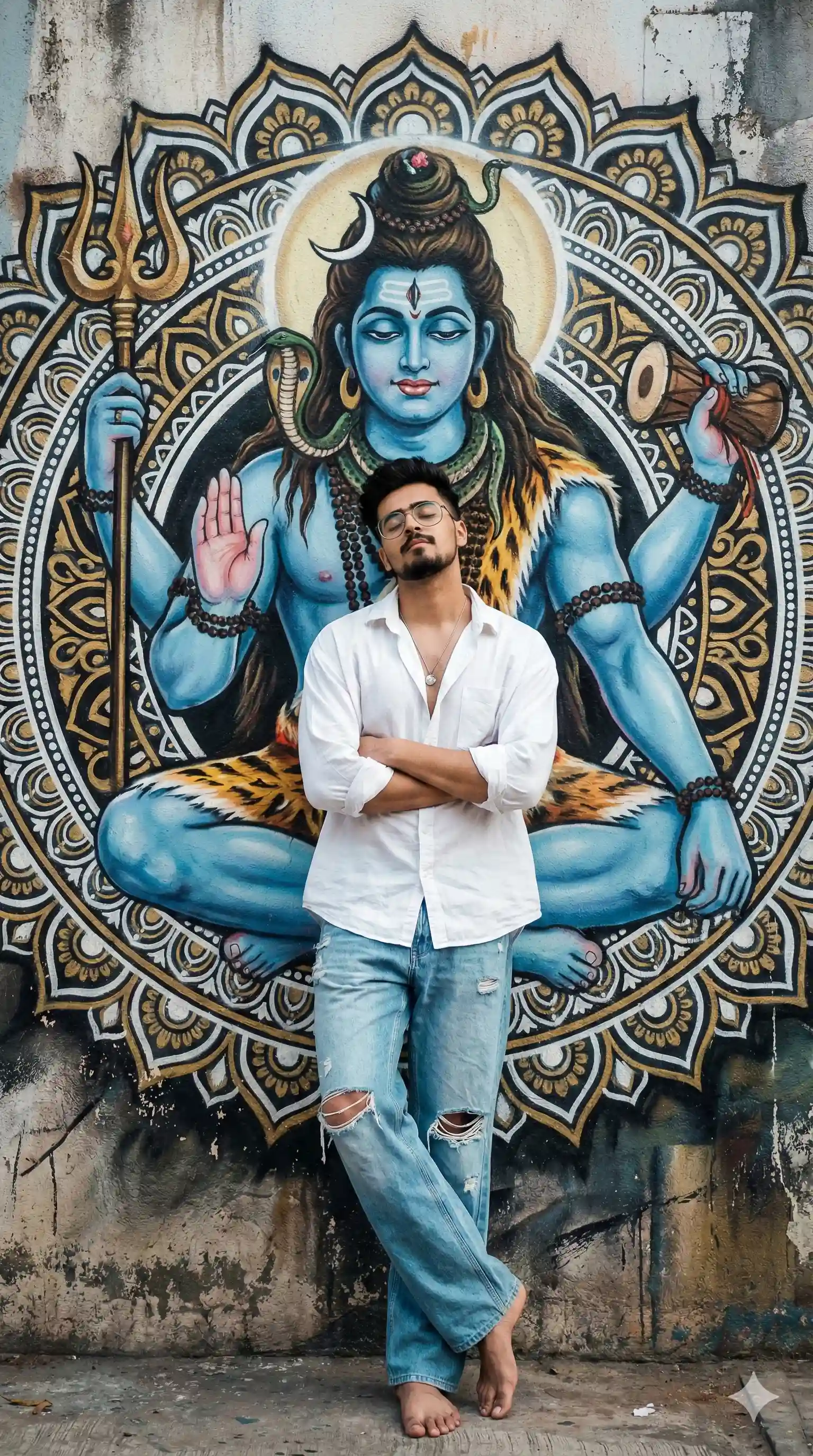
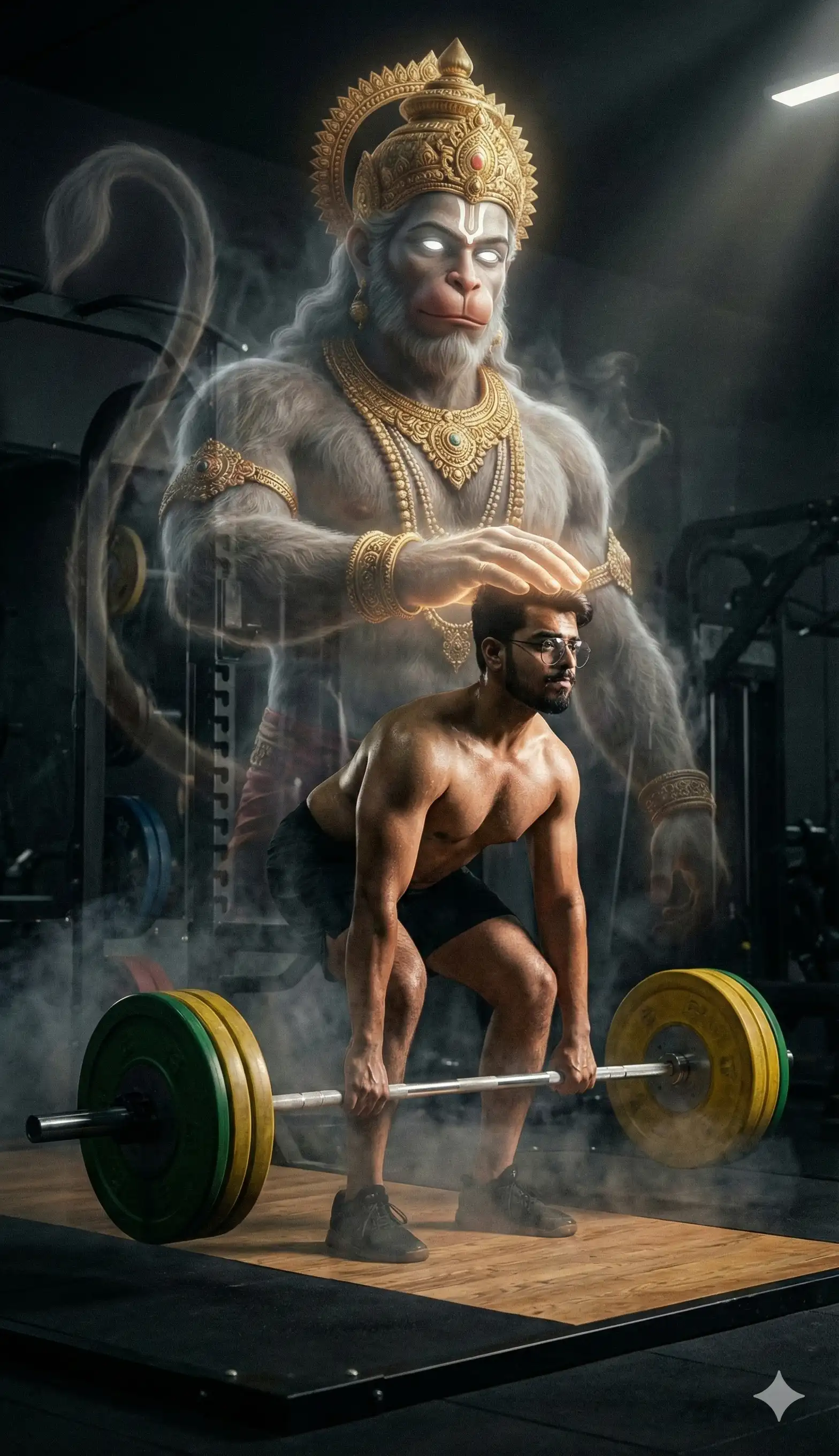
SponsoredAd
The creator's guide
How to use Mahadev Prompt
Use “Mahadev Prompt” as a starting point for your Spritual creation. The guide below highlights instructions from this specific prompt and shows what to change when adapting it to your own idea.
01
Get ready
Start with a clear reference photo. Upload it to an AI tool that accepts images before pasting the prompt. Choose a well-lit image with the subject unobstructed.
02
Copy & create
Copy the complete prompt above, paste it into your AI tool, and generate a first version. Keep the original instructions for your first attempt.
03
Refine one detail
Check the eyes, hands, skin texture, and likeness first. If the face changes too much, ask to preserve the reference identity and remove conflicting appearance instructions.
Inside this prompt
Lighting
STRICT COMPOSITION RULES (MOST IMPORTANT): Vertical 9:16 composition Full-body visible Subject positioned at the bottom-left corner of frame exactly like the reference image Camera placed slightly behind the subject at a subtle backsid…
Composition
Create an ultra-photorealistic cinematic spiritual street portrait with the exact framing, emotional energy, perspective, and pose dynamics of the reference mural scene
Style
Create an ultra-photorealistic cinematic spiritual street portrait with the exact framing, emotional energy, perspective, and pose dynamics of the reference mural scene
Three variations to try
Try one follow-up at a time after generating your first result.
Change the mood
Keep the subject and composition. Replace the lighting with soft natural window light and a calm, muted palette.
Make it your own
Keep the visual style. Replace the setting with a location of your choice and remove any details that conflict with the new scene.
Adapt the framing
Keep the face and identity consistent. Leave extra space around the head and shoulders for a square profile-picture crop.
If your result looks different
The preview is a visual reference, not a guaranteed output. Results vary by model, settings, and reference image. Keep the instructions that matter most, remove contradictions, and change one detail between attempts.