 Spritual4,568 copies
 224 copies
Spritual · Free image prompt
God Shree Ram Gemini Prompt
Make this look your own. Copy the full prompt and follow the guide below.
The prompt
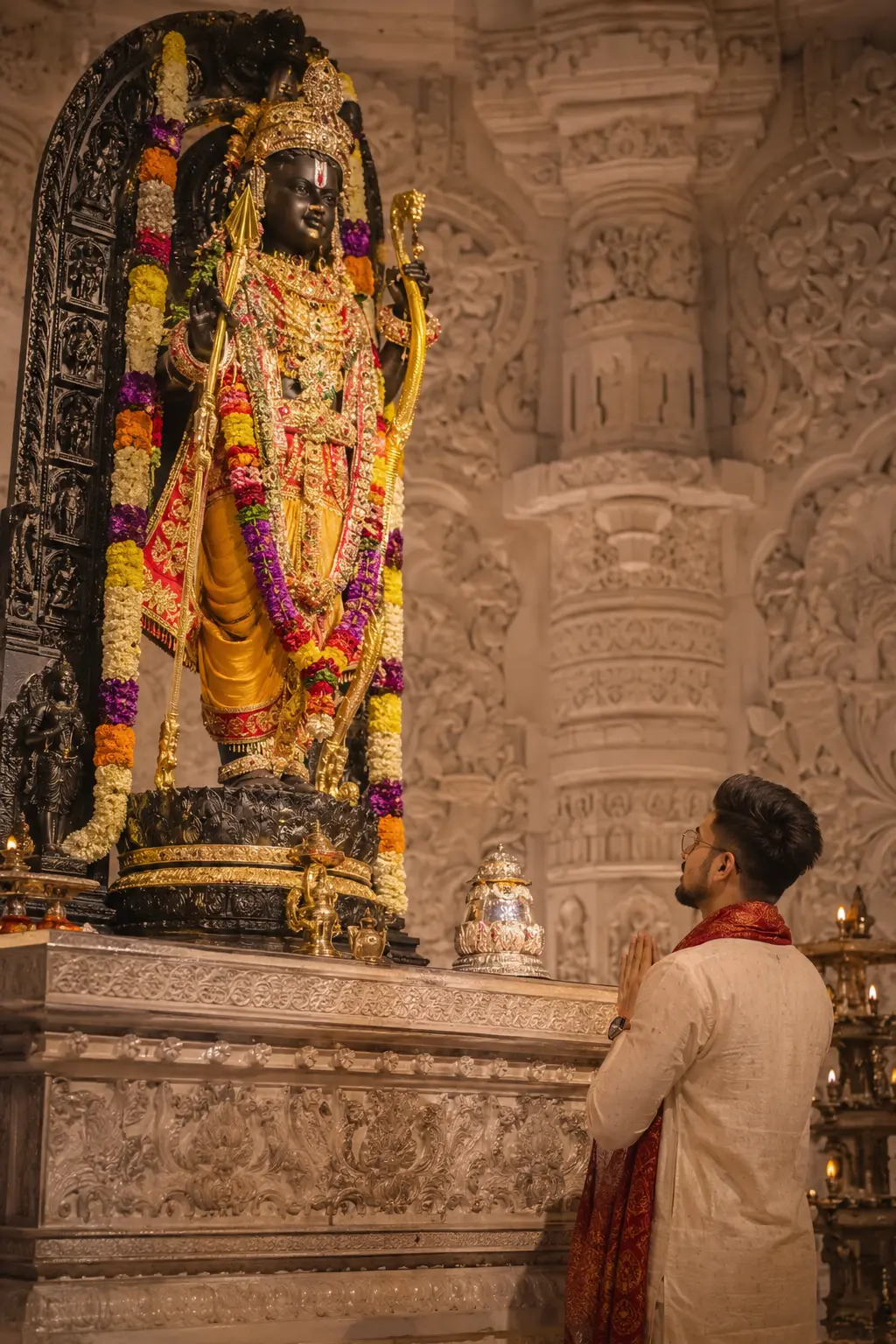
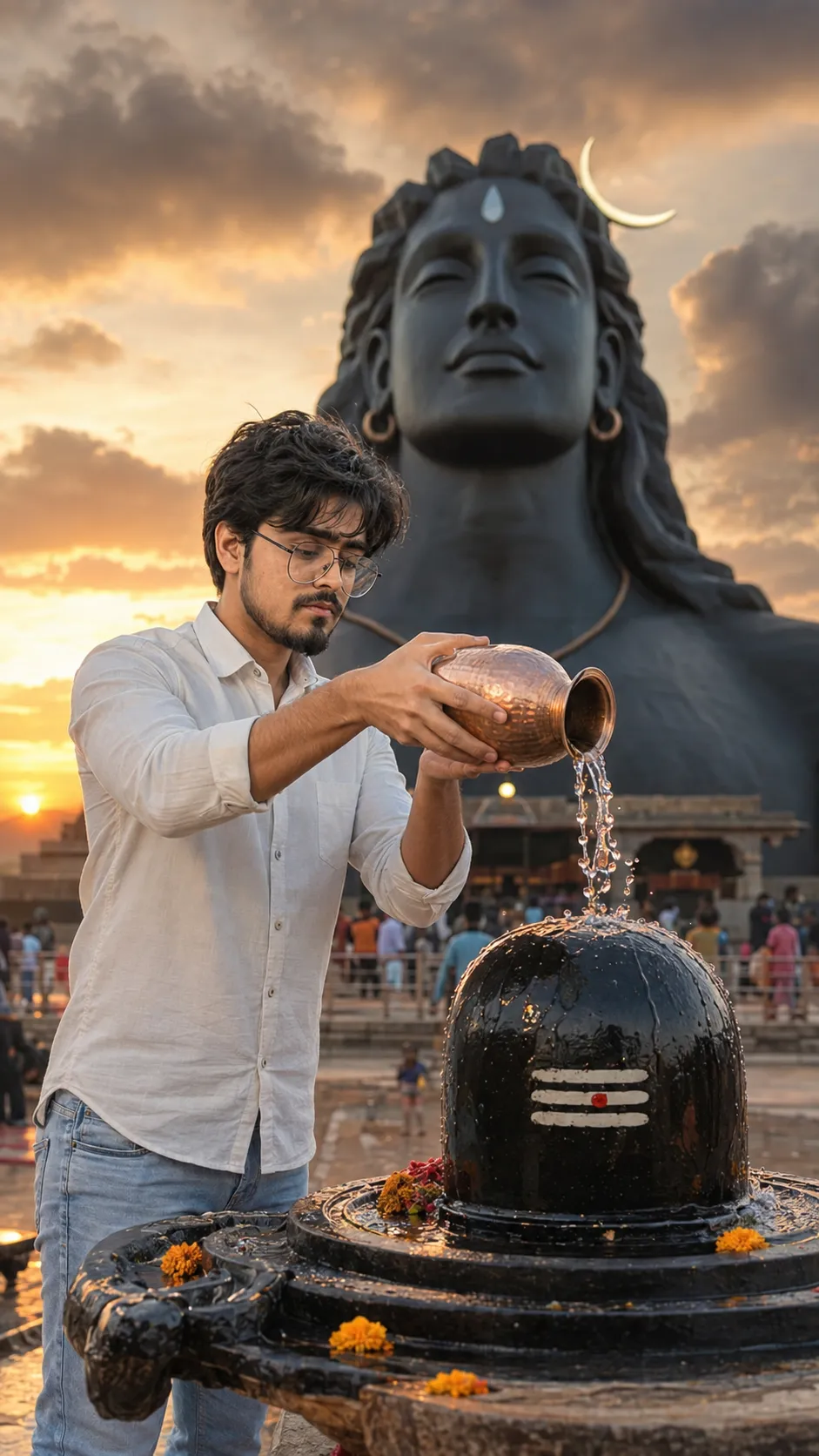
Read the guide“Create an ultra-realistic cinematic vertical darshan photograph inside the ORIGINAL Ayodhya Ram Mandir sanctum. IMPORTANT COMPOSITION (VERY STRICT AND MOST IMPORTANT): The image must look exactly like authentic real-life side-angle temple photography. Bhagwan Shri Ram’s ORIGINAL Ayodhya Ram Mandir murti must appear HUGE, TALL, and ELEVATED on the LEFT side of the frame exactly like real temple scale. The murti should be placed HIGH ABOVE the devotee, not beside him at equal level. IMPORTANT SCALE POSITIONING: The devotee’s head height should only reach around the FEET/LOWER LEG area of Bhagwan Shri Ram murti, exactly like a real giant temple murti standing on an elevated sanctum platform. The divine murti must visually tower over the devotee with massive spiritual presence. Show the COMPLETE murti vertically from crown to feet with large colorful floral malas, rich gold ornaments, sacred jewelry layers, royal crown, yellow-orange traditional attire, black stone appearance, divine temple arch, and authentic Ayodhya Ram Mandir aesthetics. IMPORTANT DEVOTEE POSITION: The devotee stands much LOWER and smaller on the RIGHT side of the frame with folded hands in namaskar posture. His entire body, face direction, eyes, and prayer posture must face directly toward Bhagwan Shri Ram only. He should NOT face the camera. Only natural side profile should be visible because he is deeply focused on darshan. IMPORTANT CAMERA ANGLE: The photograph should be captured slightly from the LEFT SIDE angle exactly like candid temple photography. The framing should clearly show: — Giant elevated Bhagwan Ram murti on LEFT side — Smaller devotee standing lower on RIGHT side — Devotee’s head reaching only near murti feet area — Authentic temple scale difference — Natural darshan feeling The background contains original white marble Ayodhya Ram Mandir carvings, sacred architecture, glowing diyas, warm golden spiritual lighting, subtle incense haze, and peaceful devotional ambiance. The devotee wears an elegant ivory traditional kurta with luxurious crimson silk angavastram draped gracefully over the shoulders. Detailed Vaishnav tilak visible on forehead. Maintain realistic Indian facial features, natural devotional body language, and respectful temple posture. Use cinematic DSLR photography style, ultra-realistic Indian skin texture, premium silk fabric detailing, glowing gold reflections, soft warm highlights, natural shadows, shallow depth of field, luxurious devotional aesthetic, refined 8K realism, and emotionally powerful sacred atmosphere. IMPORTANT FINAL RESULT: The final image should resemble a real candid photograph clicked inside Ayodhya Ram Mandir where the massive elevated Bhagwan Shri Ram murti dominates the LEFT side from top to bottom while the much smaller devotee respectfully stands lower on the RIGHT side praying toward Bhagwan Ram.”
No sign-up needed. You can also select and copy the text manually.
More inspiration for you
View all →
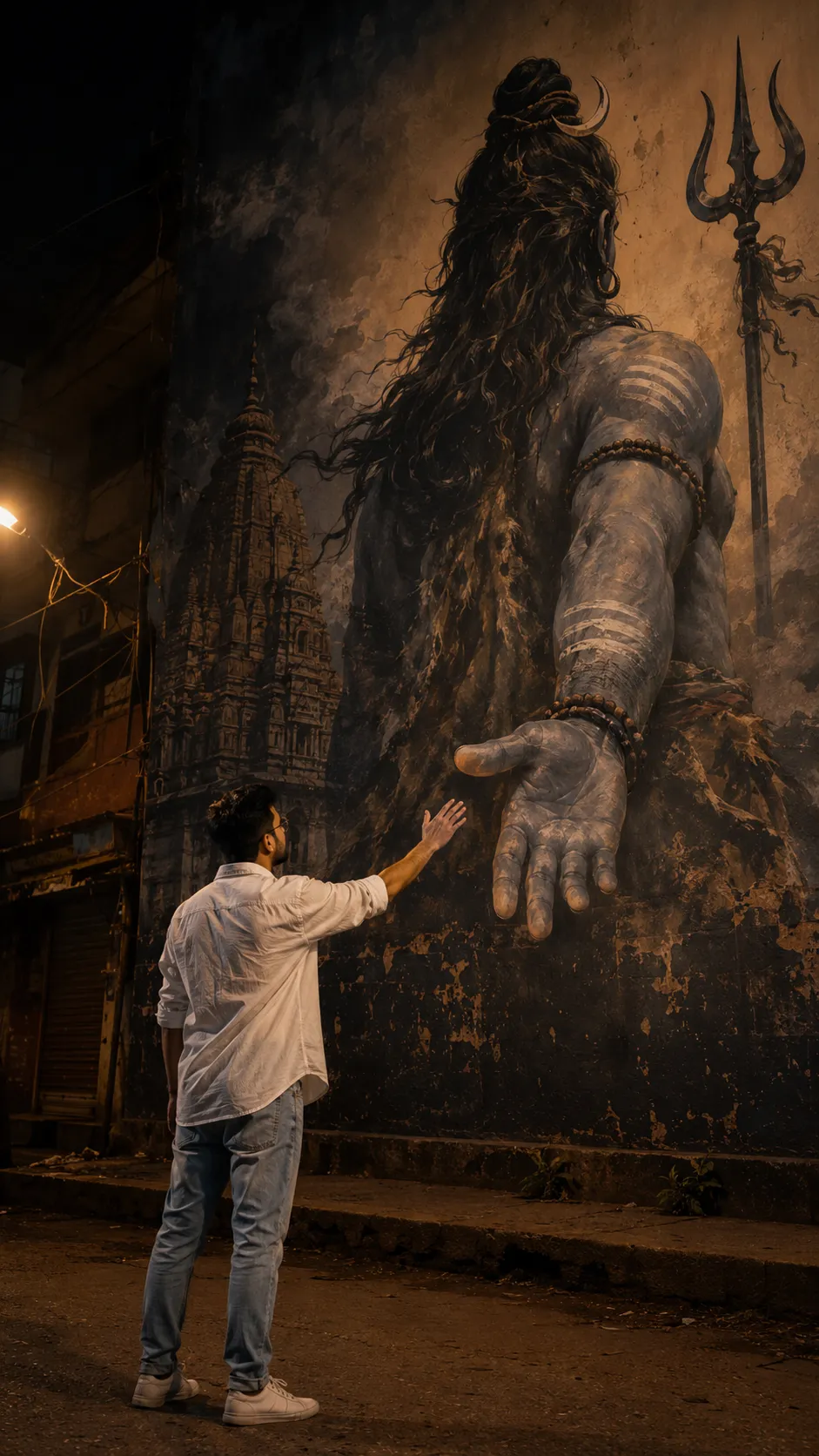
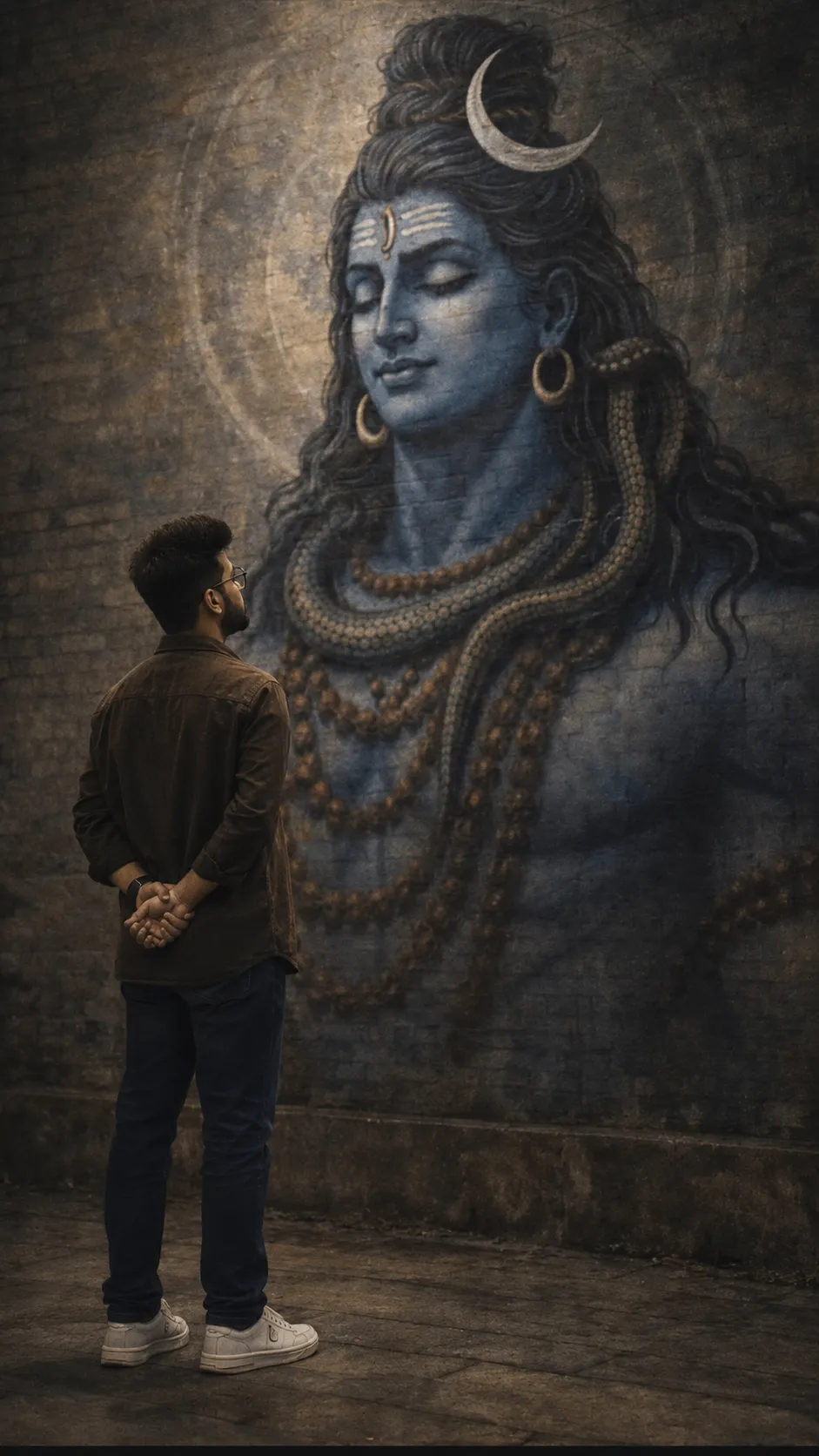
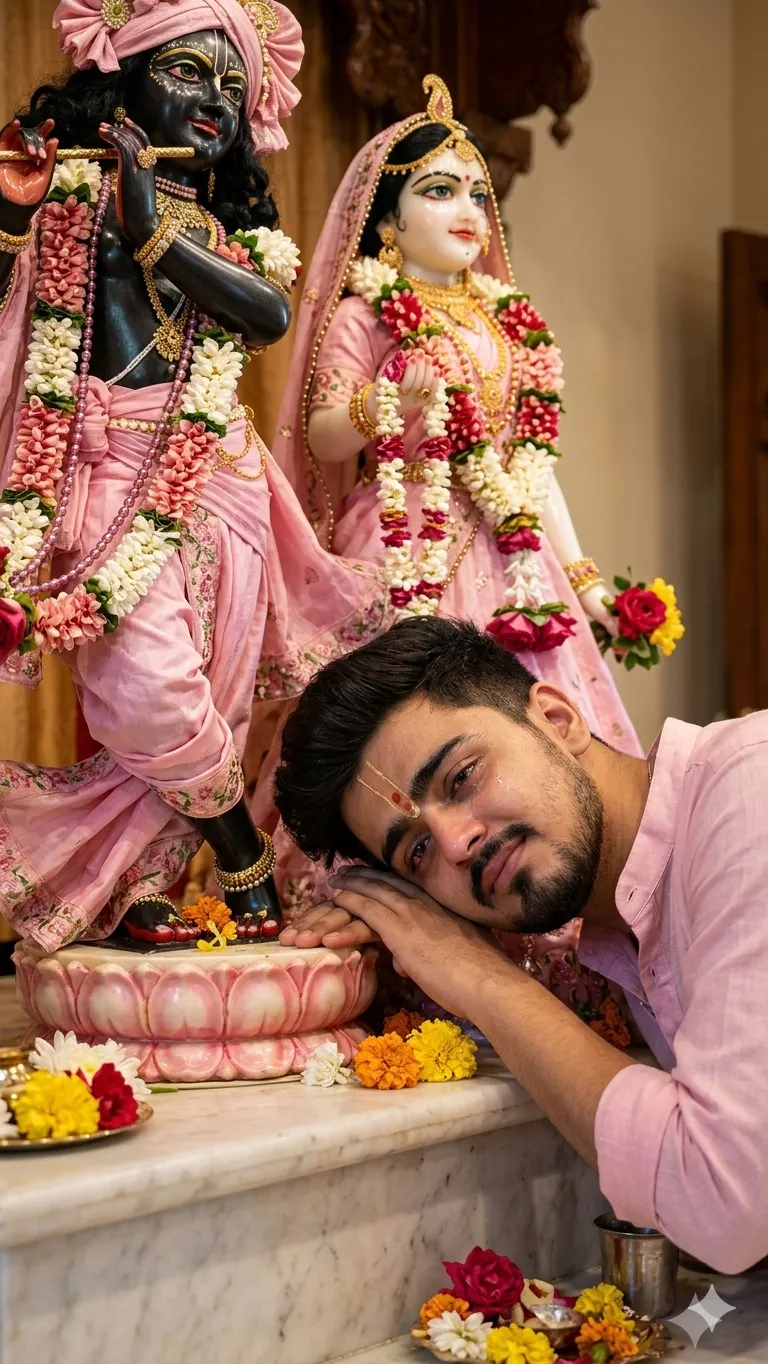
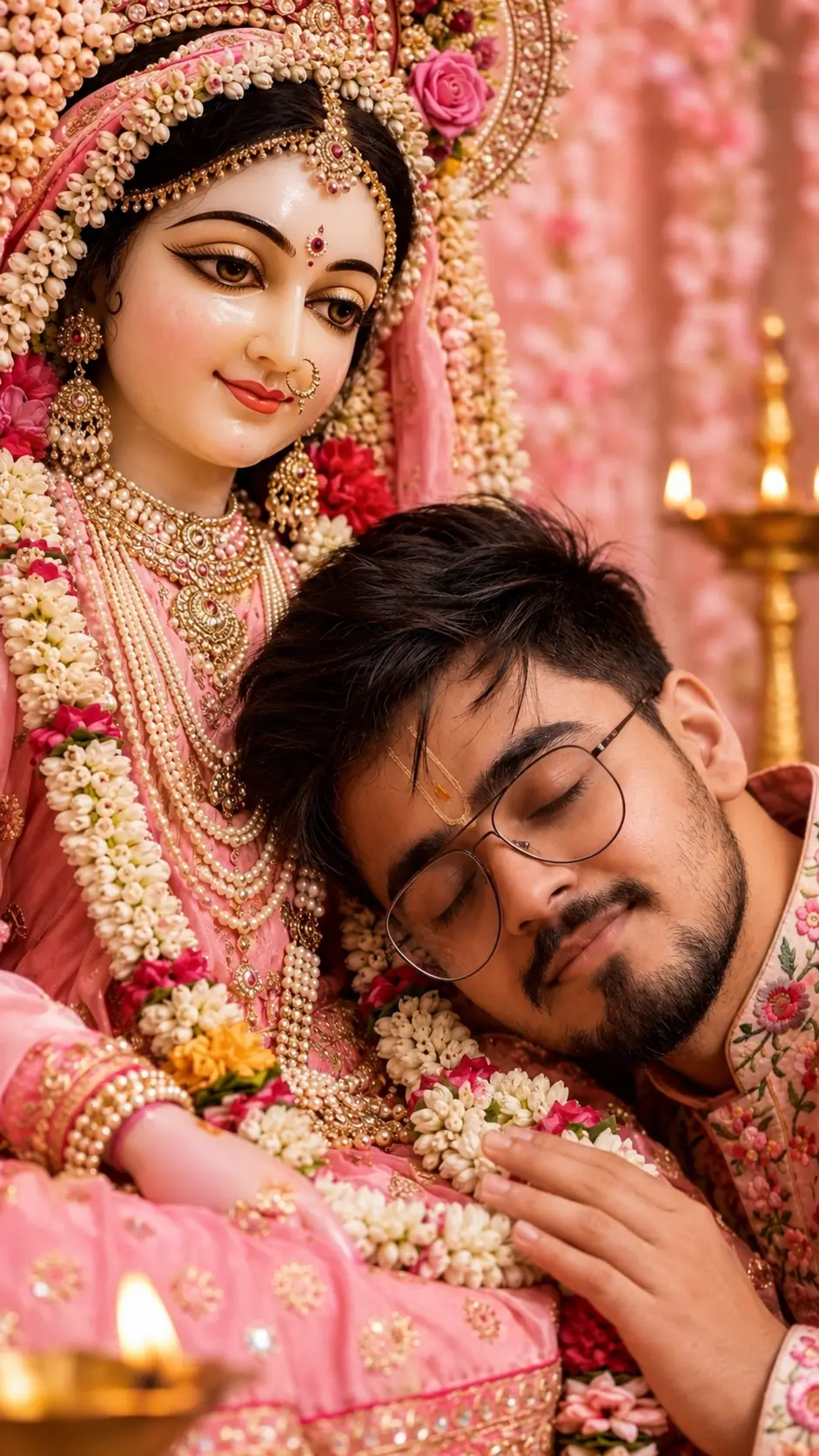
SponsoredAd
The creator's guide
How to use God Shree Ram Gemini Prompt
Use “God Shree Ram Gemini Prompt” as a starting point for your Spritual creation. The guide below highlights instructions from this specific prompt and shows what to change when adapting it to your own idea.
01
Get ready
Open an AI tool that supports the output you want. Start a new conversation so earlier instructions do not change the result.
02
Copy & create
Copy the complete prompt above, paste it into your AI tool, and generate a first version. Keep the original instructions for your first attempt.
03
Refine one detail
Check the eyes, hands, skin texture, and likeness first. If the face changes too much, ask to preserve the reference identity and remove conflicting appearance instructions.
Inside this prompt
Lighting
The framing should clearly show: — Giant elevated Bhagwan Ram murti on LEFT side — Smaller devotee standing lower on RIGHT side — Devotee’s head reaching only near murti feet area — Authentic temple scale difference — Natural darshan fee…
Composition
IMPORTANT COMPOSITION (VERY STRICT AND MOST IMPORTANT): The image must look exactly like authentic real-life side-angle temple photography
Style
“Create an ultra-realistic cinematic vertical darshan photograph inside the ORIGINAL Ayodhya Ram Mandir sanctum
Three variations to try
Try one follow-up at a time after generating your first result.
Change the mood
Keep the subject and composition. Replace the lighting with soft natural window light and a calm, muted palette.
Make it your own
Keep the visual style. Replace the setting with a location of your choice and remove any details that conflict with the new scene.
Adapt the framing
Keep the face and identity consistent. Leave extra space around the head and shoulders for a square profile-picture crop.
If your result looks different
The preview is a visual reference, not a guaranteed output. Results vary by model, settings, and reference image. Keep the instructions that matter most, remove contradictions, and change one detail between attempts.