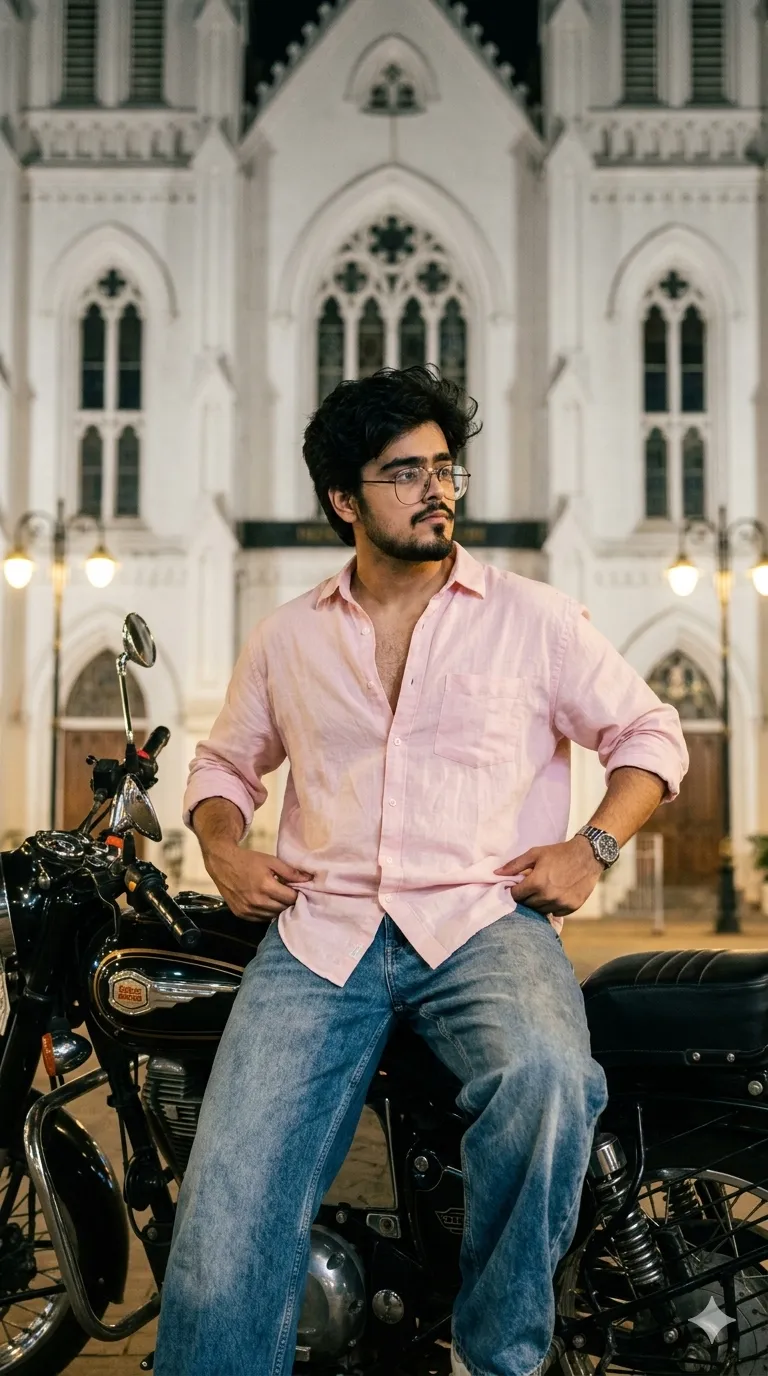
 Bike395 copies
 155 copies
Bike · Free image prompt
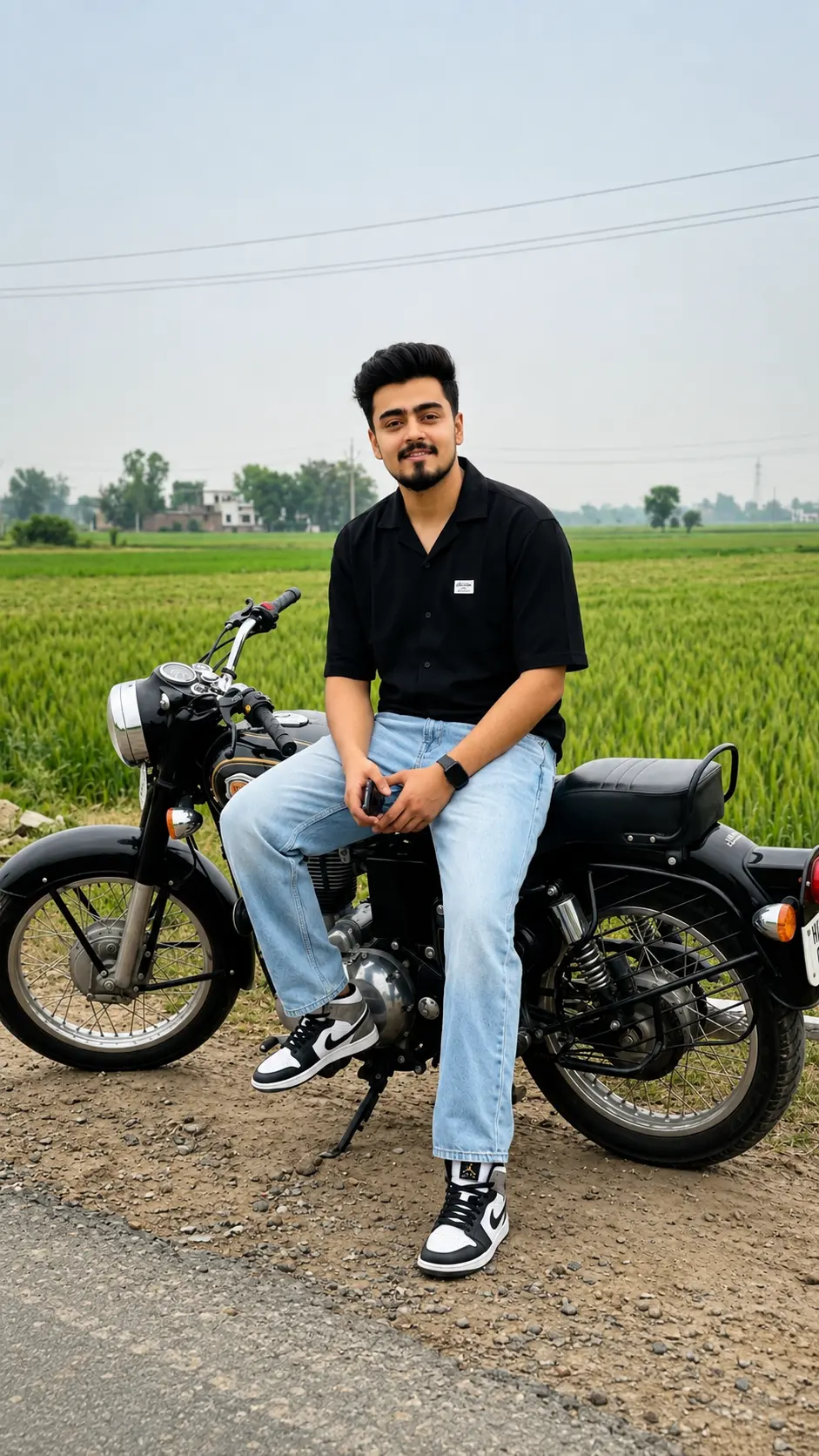
Royal Enfield Bullet Bike Gemini Prompt
Make this look your own. Copy the full prompt and follow the guide below.
The prompt
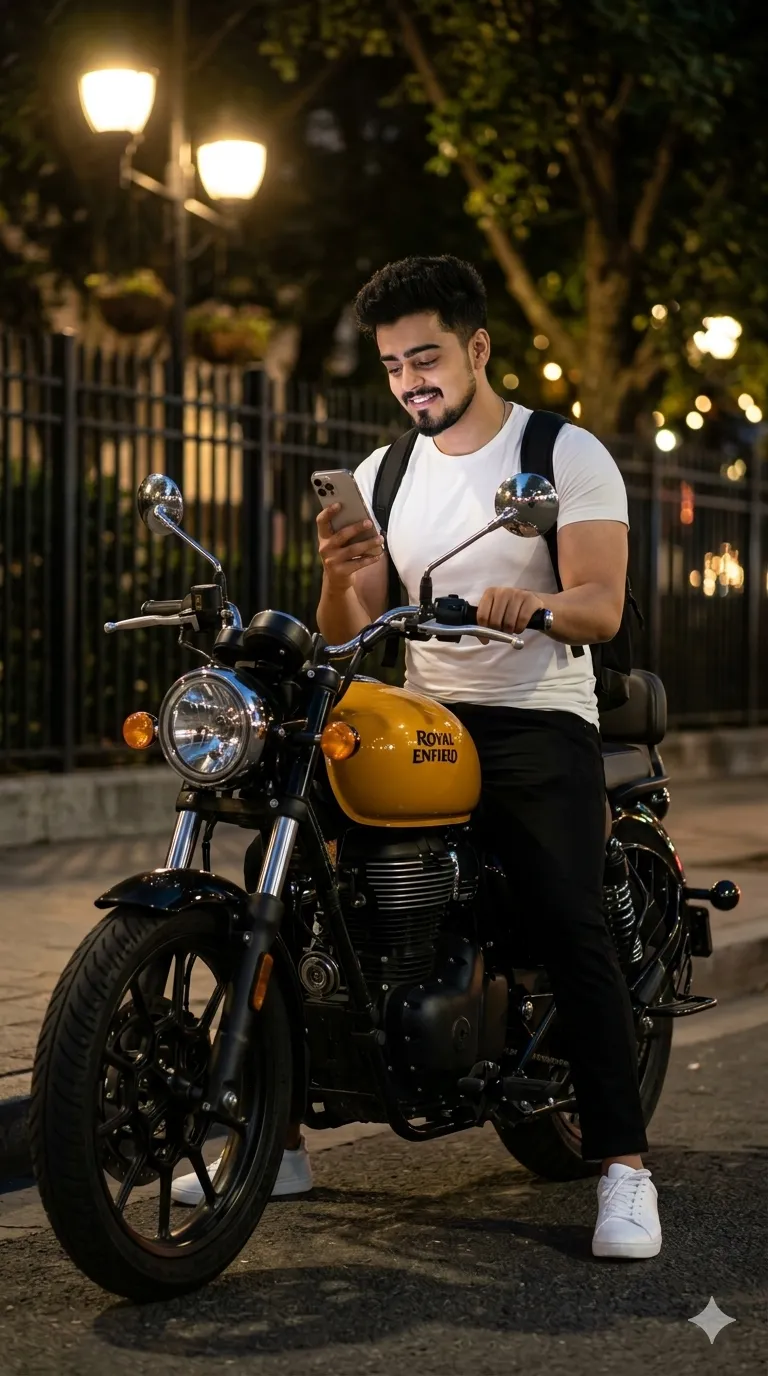
Read the guideTransform the uploaded portrait into an ultra-realistic cinematic DSLR night street photograph featuring the subject sitting on a retro-styled Royal Enfield motorcycle with a glossy mustard-yellow fuel tank, black body, chrome detailing, round classic headlamp, black alloy wheels, and premium café-racer aesthetic. Keep the exact same bike color, styling, proportions, and premium vintage motorcycle vibe throughout the scene.
IMPORTANT: Preserve the uploaded person’s exact facial identity naturally with realistic human skin texture, authentic facial structure, same eyes, nose, jawline, hairstyle direction, beard density, and body proportions. Maintain realistic fair warm skin tone enhancement naturally — healthy glowing fair complexion without looking artificial or over-edited. No AI-looking skin, no beautification distortion, no cartoon look, no fake HDR processing.
SCENE COMPOSITION: Front-view cinematic shot from a slightly low camera angle facing the motorcycle directly. The subject is sitting naturally on the bike parked beside a quiet roadside at night. Body relaxed and masculine, legs naturally positioned on both sides of the bike. One hand holding an iPhone 17 Pro Max while using it casually, realistic phone glow softly illuminating fingers and lower face. Subject slightly looking downward toward the phone screen naturally.
OUTFIT: • fitted plain white half-sleeve t-shirt
• black relaxed-fit pants
• black backpack hanging naturally on shoulders
• premium clean white sneakers/shoes with realistic texture and subtle reflections
• subtle masculine accessories optional
BODY & FACE: Give the subject a realistic gym-built aesthetic physique with naturally muscular arms, broader chest, athletic shoulders, fitted sleeves around biceps, lean waist, and premium masculine appearance. Add a fresh sharp beard cut with clean edges and defined jawline. Hair fluffy textured black with natural volume and realistic strands. Skin should appear naturally smooth, healthy, slightly fairer with realistic lighting reflections and authentic pores — not makeup-like or fake whitening.
ENVIRONMENT: Night roadside atmosphere with cinematic urban lighting. Black iron fence behind the bike, large roadside tree nearby, soft warm-yellow streetlights, realistic bokeh lights in distance, natural shadows, pavement texture, premium moody night ambience. Motorcycle rear taillight softly glowing red. Realistic reflections visible on the bike tank and chrome parts.
LIGHTING & STYLE: Luxury cinematic DSLR realism, ultra-detailed 8K photography, shallow depth of field, realistic nighttime exposure, natural shadows, authentic skin pores, realistic clothing folds, premium low-light photography feel, soft ambient streetlight glow mixed with cool night tones, emotional moody street aesthetic, highly realistic environmental depth. Cinematic skin lighting should create a naturally attractive fair warm-tone appearance while preserving complete realism and original facial identity.
Aspect ratio: 9:16 vertical.
No sign-up needed. You can also select and copy the text manually.
More inspiration for you
View all →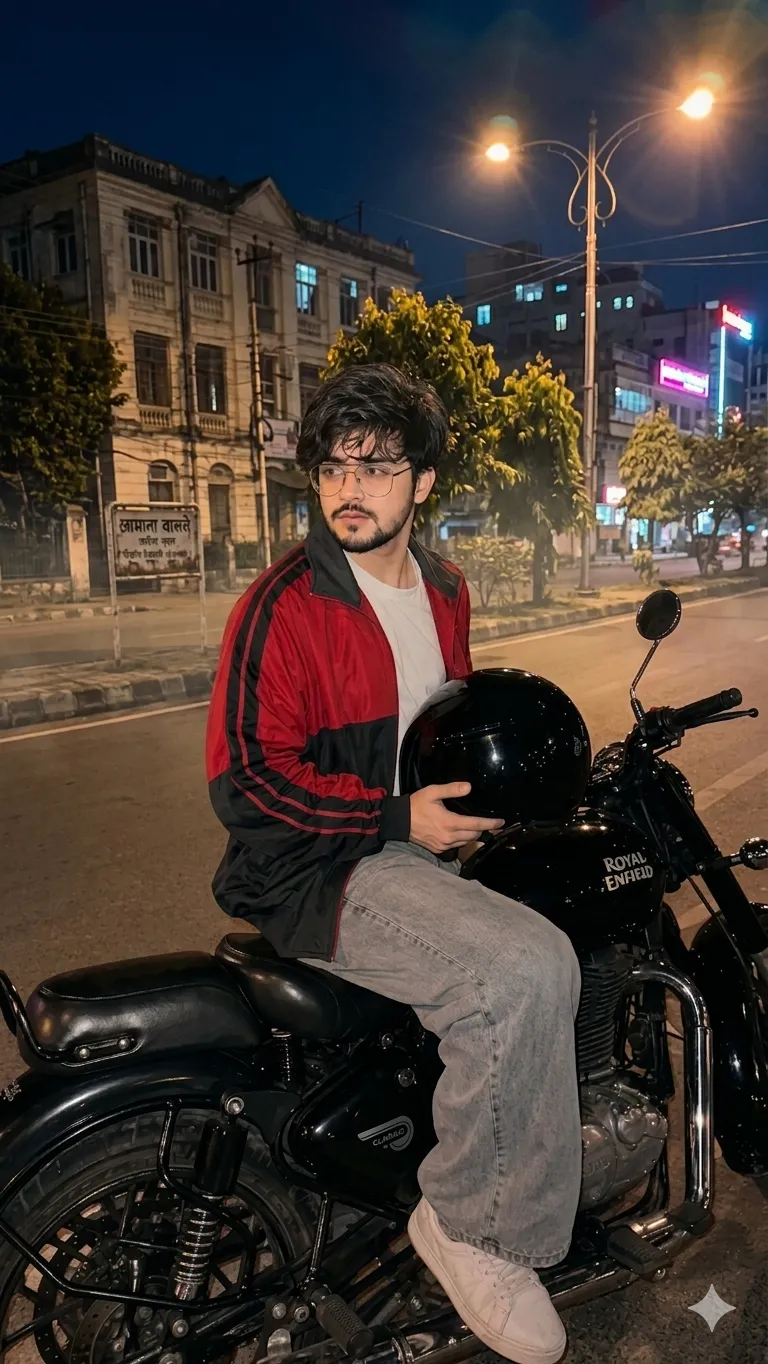
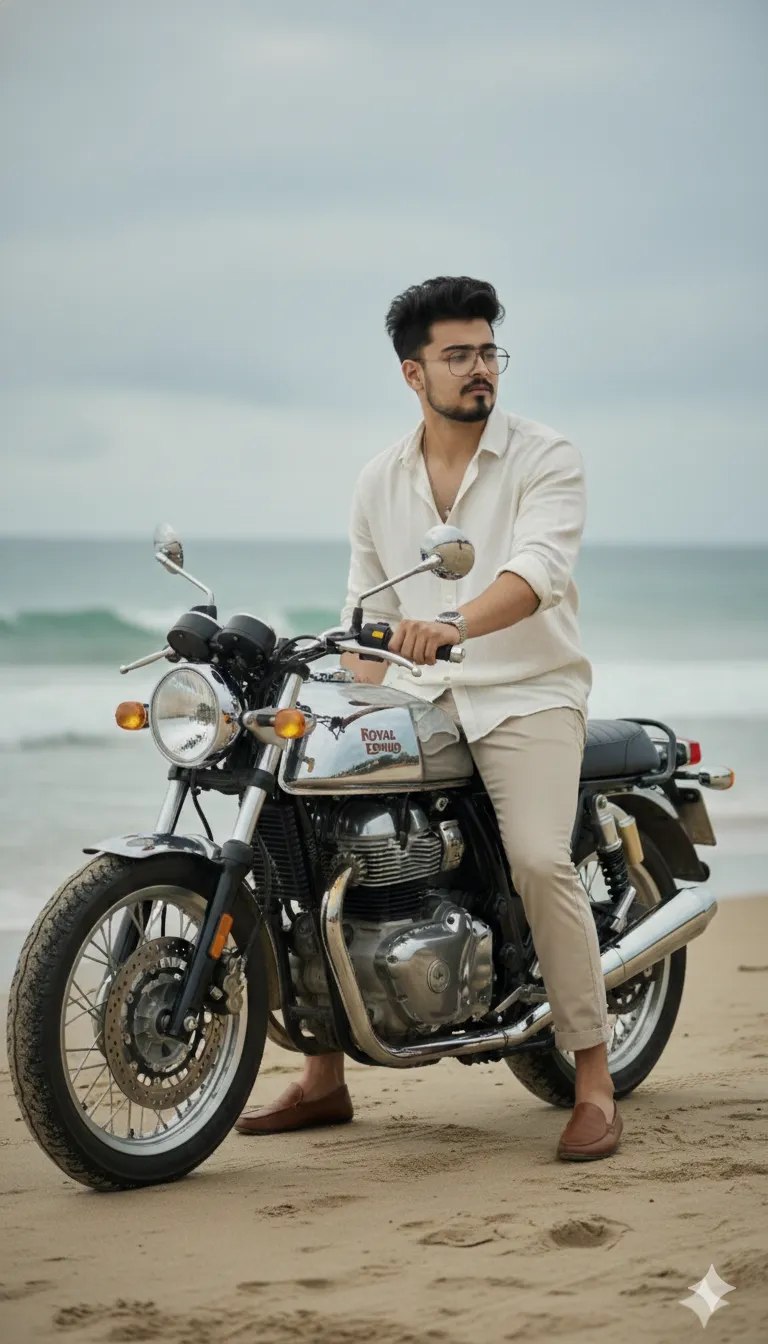
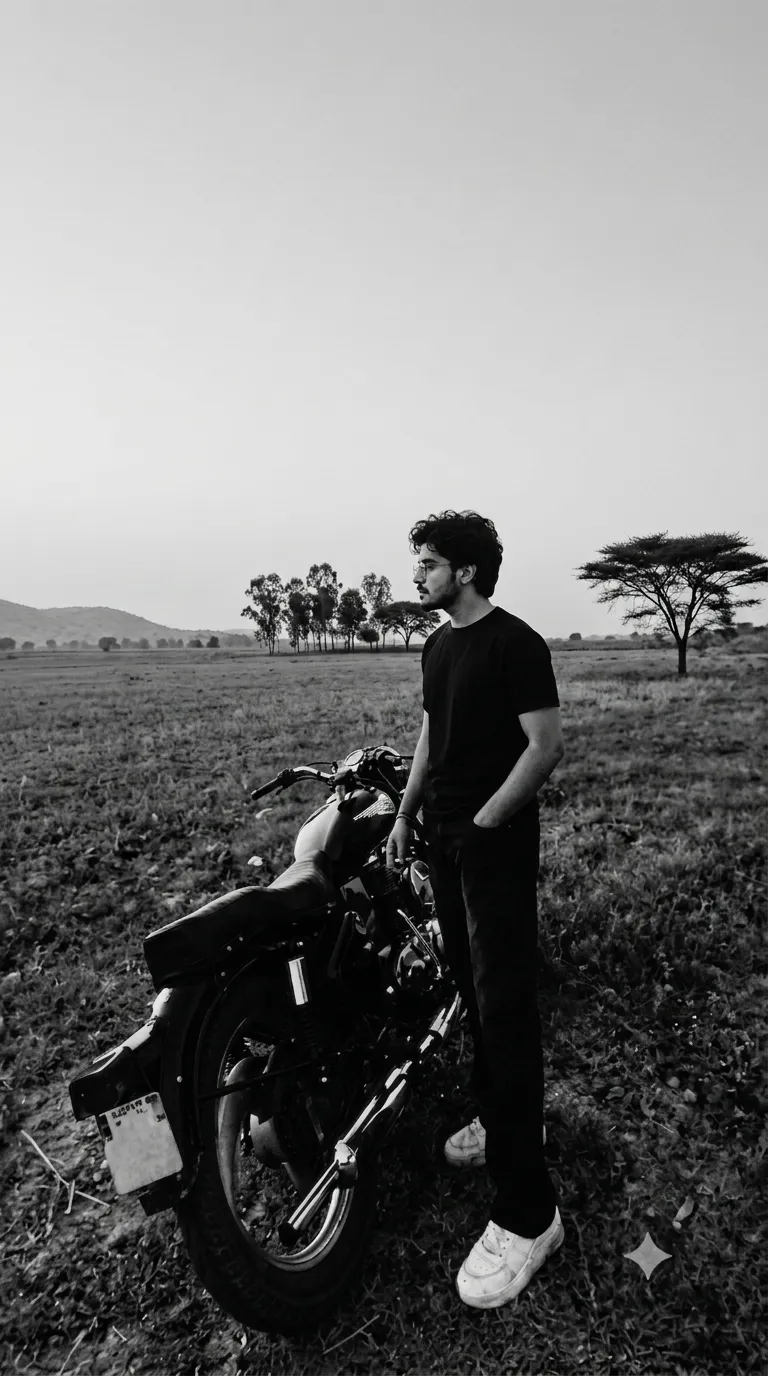
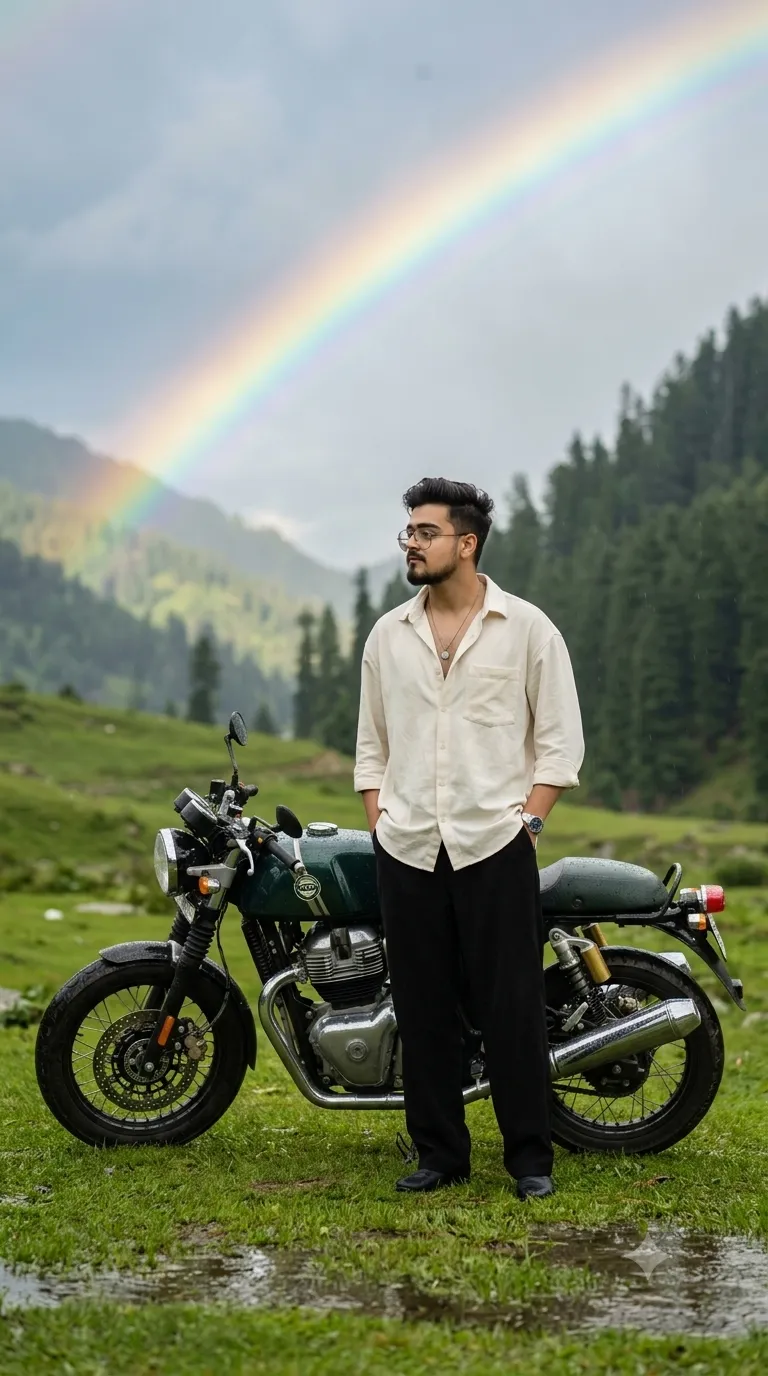
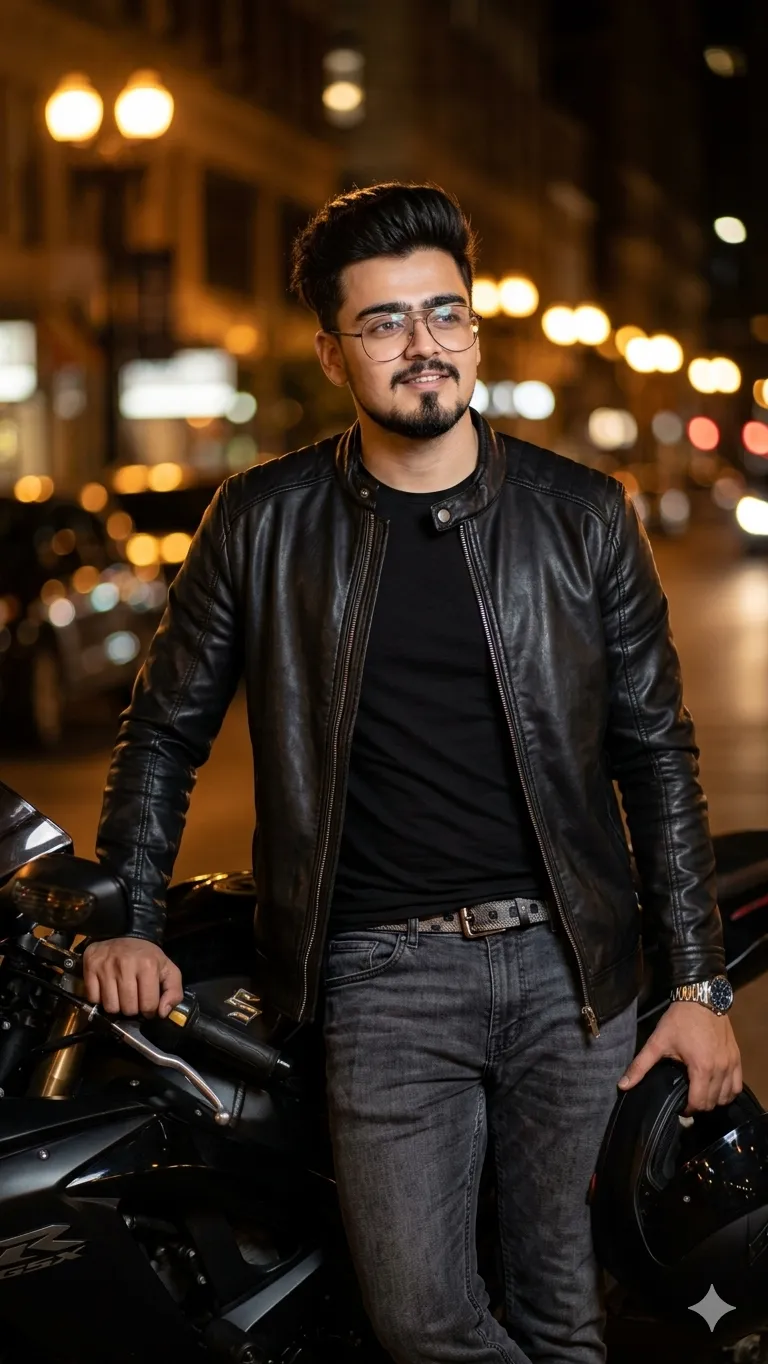
SponsoredAd
The creator's guide
How to use Royal Enfield Bullet Bike Gemini Prompt
Use “Royal Enfield Bullet Bike Gemini Prompt” as a starting point for your Bike creation. The guide below highlights instructions from this specific prompt and shows what to change when adapting it to your own idea.
01
Get ready
Start with a clear reference photo. Upload it to an AI tool that accepts images before pasting the prompt. Choose a well-lit image with the subject unobstructed.
02
Copy & create
Copy the complete prompt above, paste it into your AI tool, and generate a first version. Keep the original instructions for your first attempt.
03
Refine one detail
Check the eyes, hands, skin texture, and likeness first. If the face changes too much, ask to preserve the reference identity and remove conflicting appearance instructions.
Inside this prompt
Lighting
Skin should appear naturally smooth, healthy, slightly fairer with realistic lighting reflections and authentic pores — not makeup-like or fake whitening
Composition
SCENE COMPOSITION: Front-view cinematic shot from a slightly low camera angle facing the motorcycle directly
Style
Transform the uploaded portrait into an ultra-realistic cinematic DSLR night street photograph featuring the subject sitting on a retro-styled Royal Enfield motorcycle with a glossy mustard-yellow fuel tank, black body, chrome detailing,…
Three variations to try
Try one follow-up at a time after generating your first result.
Change the mood
Keep the subject and composition. Replace the lighting with soft natural window light and a calm, muted palette.
Make it your own
Keep the visual style. Replace the setting with a location of your choice and remove any details that conflict with the new scene.
Adapt the framing
Keep the face and identity consistent. Leave extra space around the head and shoulders for a square profile-picture crop.
If your result looks different
The preview is a visual reference, not a guaranteed output. Results vary by model, settings, and reference image. Keep the instructions that matter most, remove contradictions, and change one detail between attempts.